Category: Home Theater

  • A ‘Not So Large’ Review: Logitech K400 Wireless Keyboard/Touchpad

    A ‘Not So Large’ Review: Logitech K400 Wireless Keyboard/Touchpad

    You might have seen my previous post referencing my desire for a new HTPC input device and how it might have been the Koribo. Well, I finally found a keyboard/pointing device combo that struck my fancy in the Logitech K400. In fact the K400 even looks like a pared down version of the Koribo. I had narrowed my list down to a handful of products, including the K400, and saw it was ~$27 at a ‘local’ Wal-Mart and decide to pull the trigger. It is usually listed anywhere from $30-$40 that I have seen online, so it was deal as well as the whole instant gratification factor.

    What it has to beat…
    K400 Compare
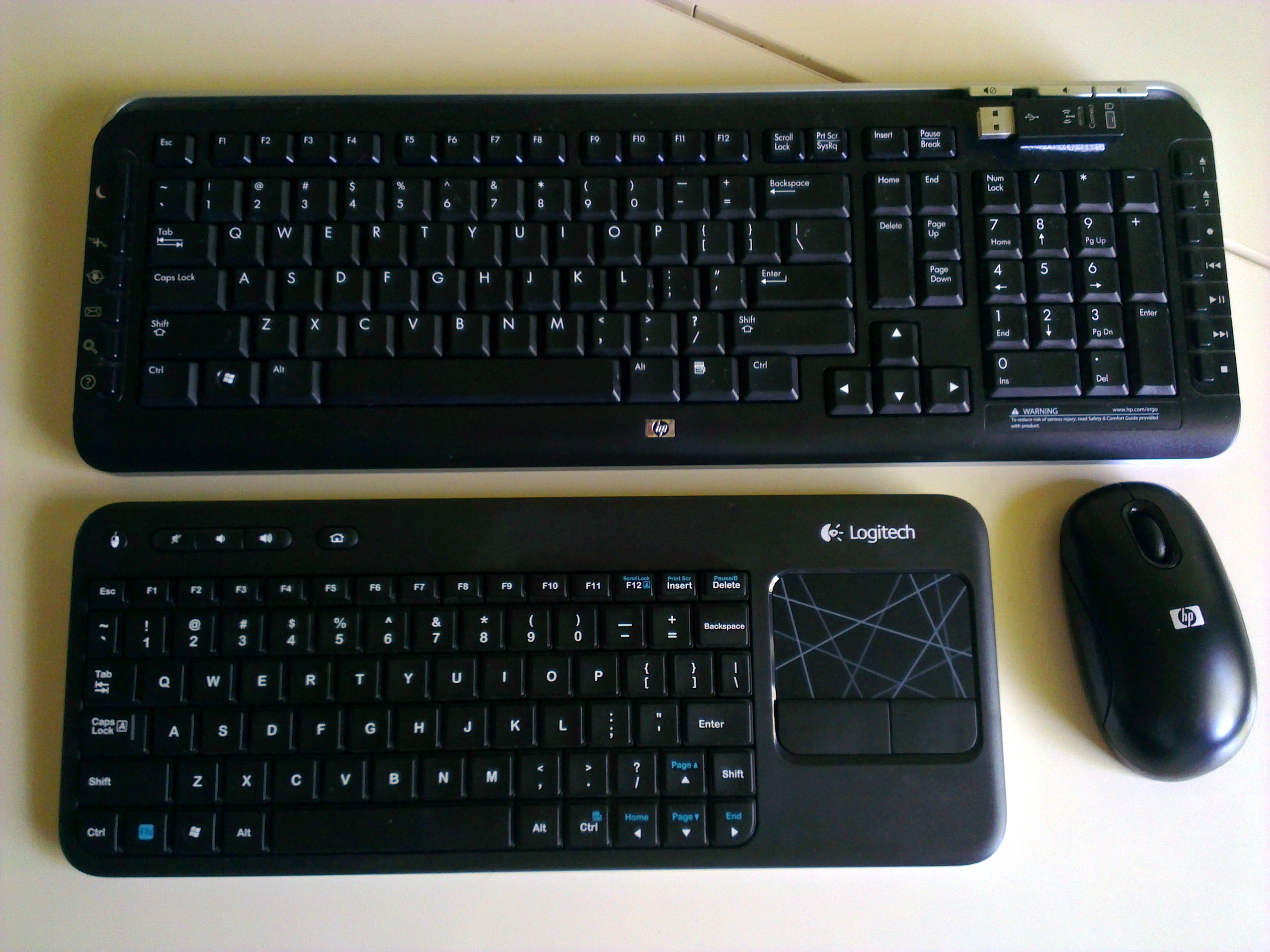
    K400 compared to old HP bundle

    The K400 is replacing the wireless keyboard & mouse that came bundled with the HP Pavilion Elite that serves as my HTPC/Living room gaming rig. I have suffered with using a full size keyboard and mouse with my set-up for over three years now, so any device that is remotely tailored to couch surfing should be an improvement.

    Does it measure up?
    K400
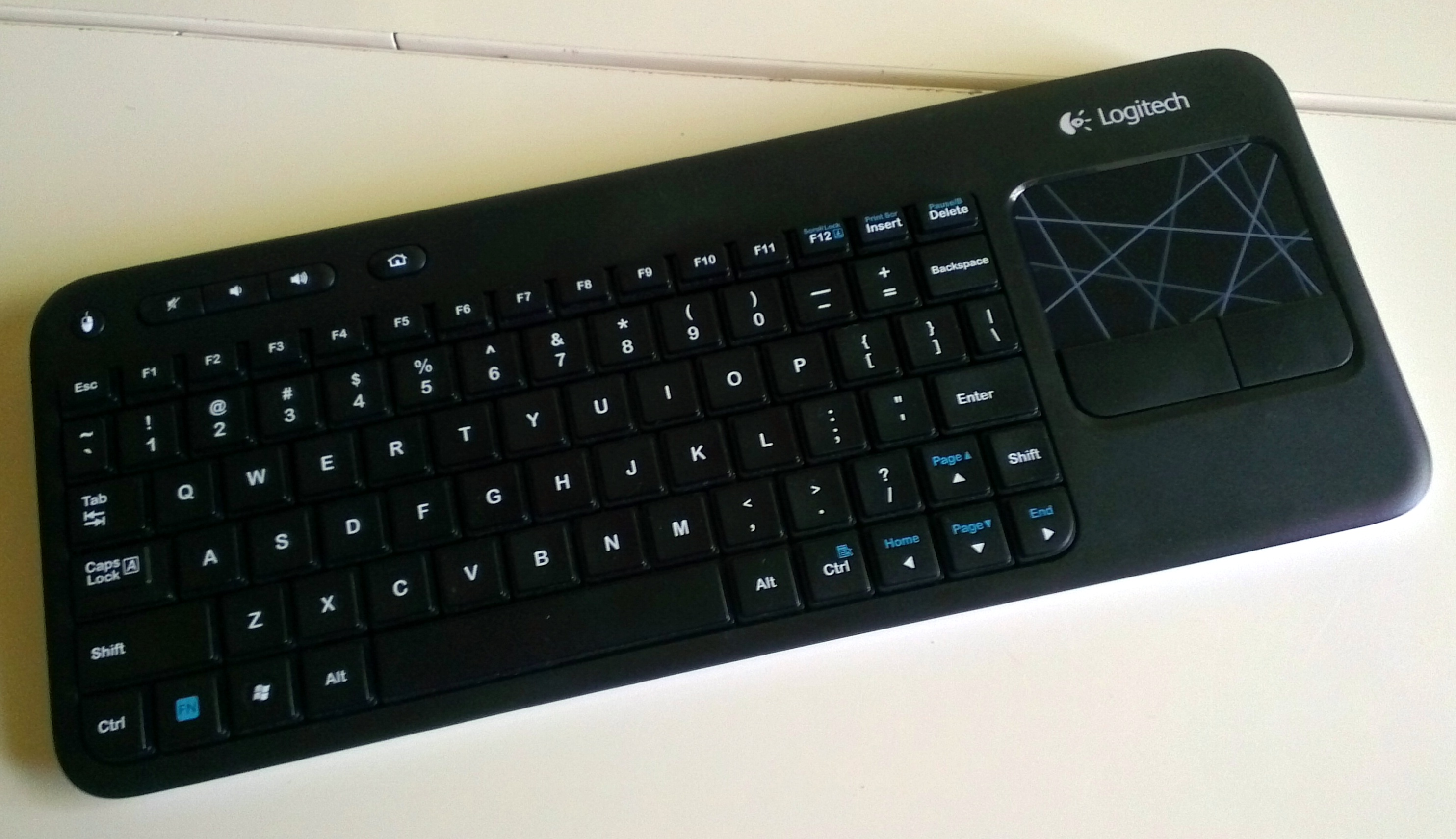
    Logitech K400
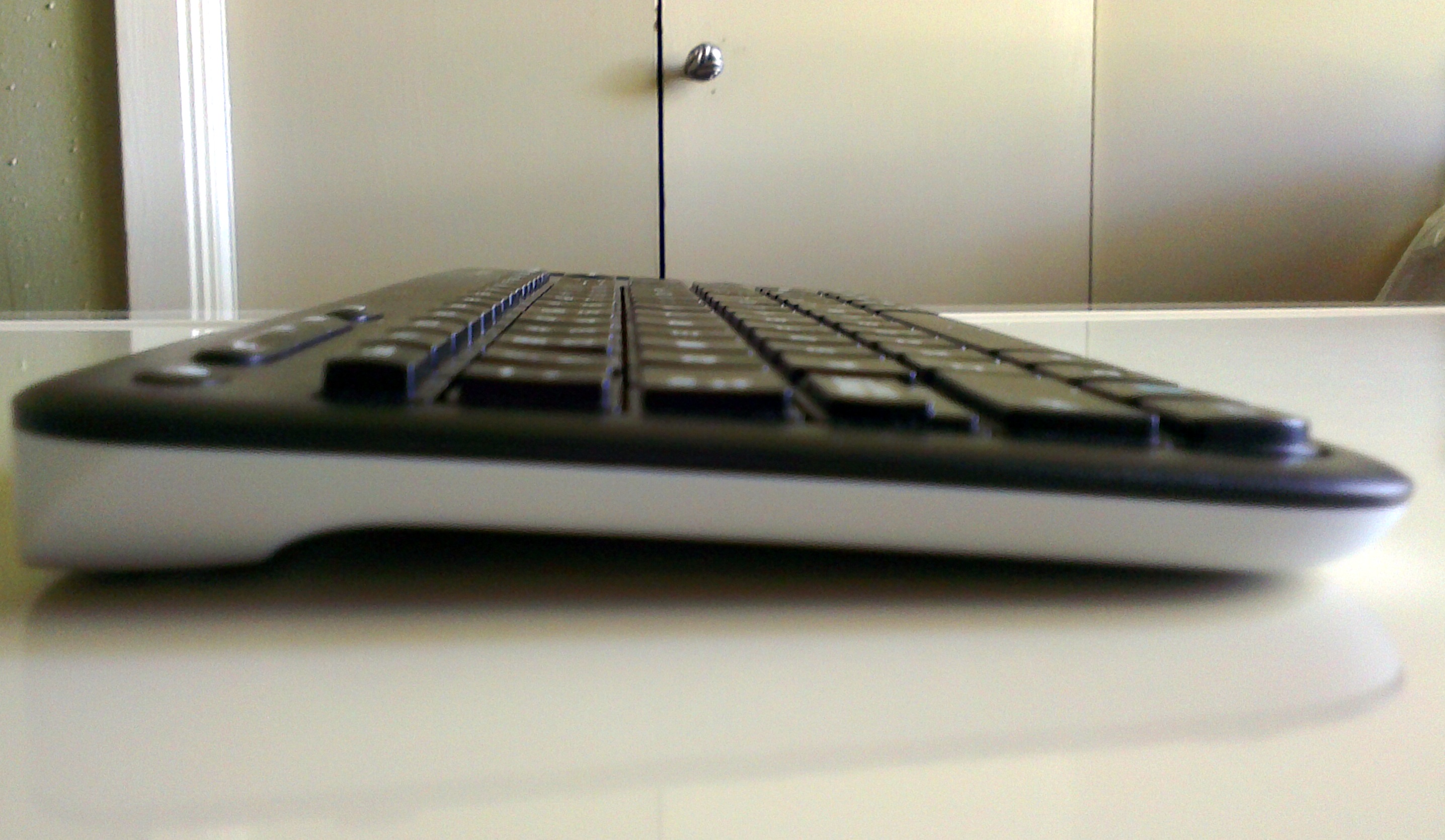
    K400 side
    Profile view
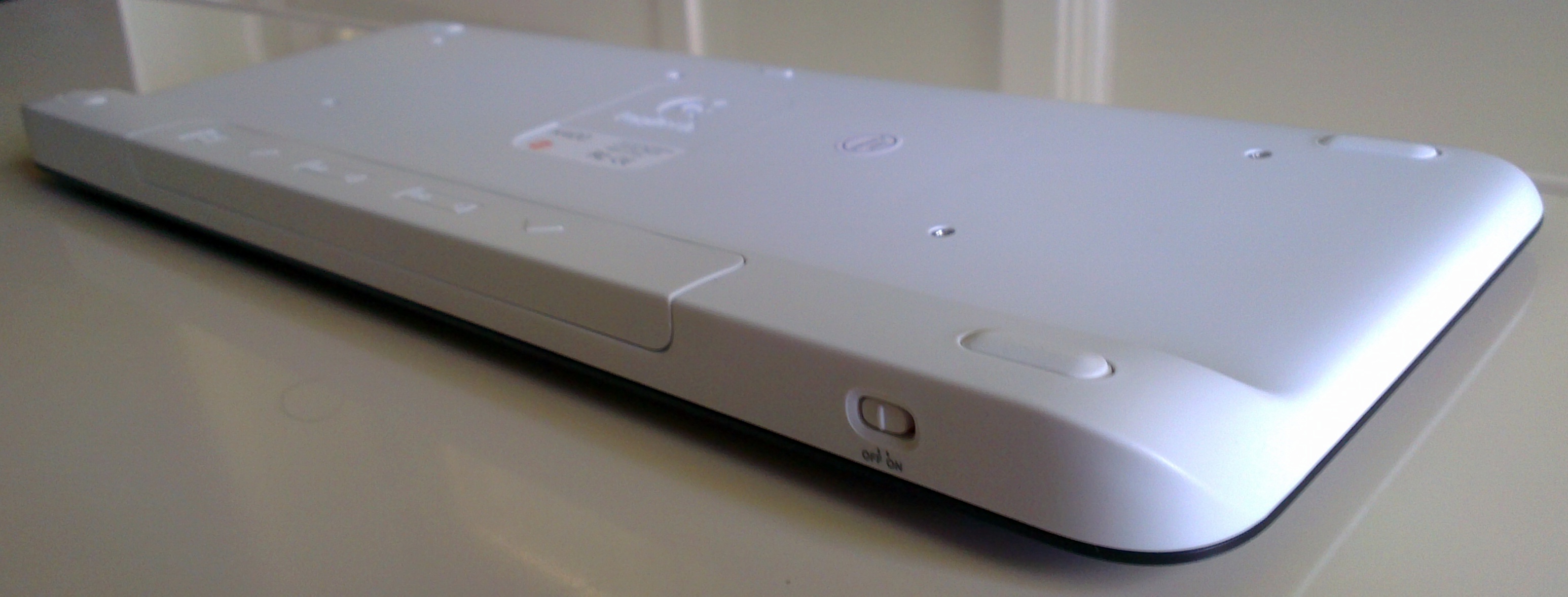
    K400 bottom
    Bottom-Rear view

    Yes! Even more than having both input devices in one, I really appreciate the smaller package. After finally getting my Roku2 programmed into my Logitech Harmony One remote, I am down to just having  the One, K400, and a PS3 controller on my small coffee table. I am not going to bother going into depth about keystroke performance or touchpad responsiveness, as this device is not designed to meet any demands other than just working. That said the few bonus features that the K400 have are a welcome addition. The volume controls work with my Windows 7 install (the HP’s media controls never worked with Win7, but did with Vista). The two-finger scrolling works fine. The precision on the touchpad is pretty good and I have no problems hitting the smallest of interface elements. While the keyboard is a little claustrophobic, it is more than adequate for entering URL’s and the odd network address when my media server acts up. You don’t buy this kind of device for composing novels as some reviewers on some of the shopping sites I frequent did.

    But LargeGeek, Is it for me?

    If you are looking for a decent wireless keyboard & mouse combo for a HTPC or other low input demand machine, the K400 is for you. If typing performance or pointer precision is imperative for any reason, you should have never ended up with the K400 on your radar, silly.

    An Update Nobody Asked For

    As of February 2018 there is still no beating the K400 for a living room environment. We are on our second one and was almost on our third, but it survived the coffee just fine after a quick disassembly.

    Links ‘n such:

    Logitech K400 product page

    Fun-fact: You might wonder why local above was in quotes. Local around here is a relative term, as I live in small town Texas and have to drive at least half an hour in any direction to hit civilization. I’ll debate the term civilization with you another time.
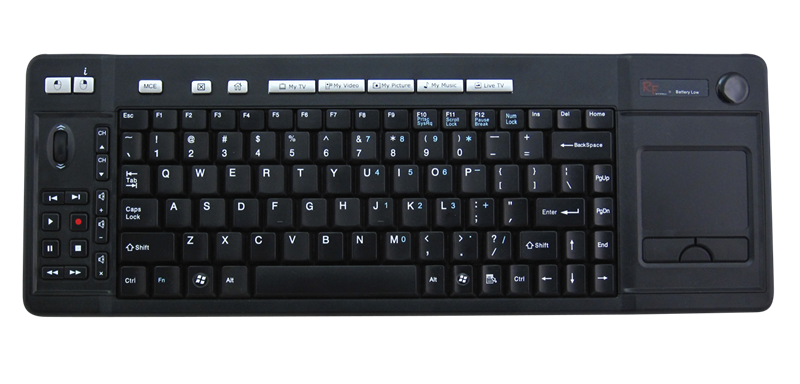
     

  • Koribo. I might have found my HTPC input device, but there’s a catch.

    Koribo Leira
    Koribo Leira — Credit: Koribo.com

    PC Perspective posted a link to a review at NeoSeeker of a few of Koribo’s products that intrigued me greatly.  (more…)

  • Concerning the Third Dimension…

    There has been much lamenting and boo-hooing over the large electronics companies pushing 3D in their products for the coming years. I have heard complaints ranging from “those glasses make you look stupid”, to the more legitimate “it gives me headaches” and “I don’t want to buy a new TV”. I am one of the seemingly few that is actually excited about the possibility of 3D in my living room. As soon as there are a selection of 3D-HD projectors on the market I plan on adding one to my home theater. Admittedly, I am in a situation where I will not need to replace my TV, but am adding a device which I had been planning on adding anyway. The thing is though…no one said you HAVE to buy a new TV or wear those “stupid” glasses.

    Regardless of how much content might become available, whether your need glasses, what technology those glasses use, or the extra costs involved over normal 2D consumption…3D should always be (and be thought of as) a(n) luxury/bonus/option. It will never and never should be, in my opinion, the “standard” way to view media. However, just because it is not the standard, does not mean we shouldn’t peruse industry standards where 3D is concerned. In fact, the recently decided 3D-Blu-Ray standards allow for the image to default to the regular 2D image when the player or monitor is not 3D compatible, therefore it is not trying to replace 2D. 3D is just another way to view the movie. The best comparison I can muster is this: You don’t NEED an expensive 5.1 sound system to watch that DVD you just bought, but there are standards in place and technologies available for those people that desire to use them. For those that don’t want or can’t afford the the fancy 5.1 system, there is the run-of-the-mill stereo track right there on that same DVD waiting for you to play it. I make the same argument for 3D; just replace “5.1” with “3D” and replace “stereo” with “2D” and you will see where I am coming from. No body complains about 5.1 audio, so why complain about 3D.

    For those that want 3D, but can’t get over the glasses or truly get headaches from the technology, please wait for things to progress. These things take time and a degree of trial and error. We are a long way off from glasses-less 3D that is viable in the real world, so it is futile to complain about the glasses. In order for there to be enough demand for 3D for companies to progress the technology to that point, there needs to be content. For content makers to make that content, there needs to be a way for people to view it. The tech industry is going out on a limb and giving us that first way. There is already a decent wave of content on the way from 3D-Blu-Ray, Direct-TV, ESPN, Discovery, and others. I just hope the unnecessarily negative energy surrounding 3D doesn’t discourage the electronics companies from advancing the third dimension.

  • Boxee goes for another round against WinMC and stays standing…at least in my book

    Boxee as you may or may not know is a media center program for PC’s & Apple TV. I have used Boxee on and off since they started inviting Windows users into the alpha. At CES this year, Boxee has unveiled the Boxee Box. The Boxee Box is a set-top box that runs, you guessed it, Boxee. Along with the release of the ‘Box, Boxee has pushed their software into beta and have finally won me over.

    From the start, I wanted to love Boxee. It promised to make a lot of the internet content that I enjoy (Youtube, Revision 3, Twit.tv, etc.) much easier to access.  However, it failed to deliver time after time. I eventually gave up on it and never thought to reinstall it after upgrading my computer to Windows 7. With the Boxee Alpha on Windows Vista I was plagued by frequent freezing, long access times (even to local media), and over all lag (even on my machine, details below). The apps were also very undependable and slow to update when providers changed offerings.

    With the release of the Beta, I decided to give Boxee another round in the ring. And I have to say that I am impressed. I don’t know whether it is all the Beta or if Win7 is playing some part, but about 90% of my previous frustrations have been addressed. Boxee found all my local media with out my having to point it to every file over and over again. It seems like several of the content providers have decided to embrace Boxee as well. Revision 3 and IGN, to name a few, have well constructed and functional apps. And it all runs very smoothly. In fact it seems to run even better than Win7 Media Center, which will bring me to the main reason Boxee has won my praise…Netflix. More specifically, the performance of the Netflix interface.

    Windows Media Center is the sole way that I have consumed my streaming Netflix content since replacing my Roku box with my HTPC and giving it to my cousin as a gift. Now the performance of the Netflix ‘app’ in Vista’s Media Center was a touch laggy, but bearable. For Win7, Netflix has changed the ‘app’. It is much cleaner and shinier and adds a lot of functionality. But I, like more than a few others, have experienced significant lag in the ‘app’. The most annoying of which is after selecting a movie to bring up it’s ‘page’, it can take an eternity to load. It also takes a very long time for items to load when changing between the different sub menus. From my searching for a solution to this problem, I have found that most of the blame may fall on Silverlight, which drives the entire ‘app’. I can’t complain at all about the video performance though. In fact, I actually have to say that the video performance is better in Media Center than in Boxee. The trade off is the Netflix menu in Boxee is so much faster than Media Center, that short of the potentially best looking movies, I see myself firing Boxee up first. Way to go Boxee.

    A few technical specs for reference…
    PC Specs:
    Core 2 Duo @ 2.66 GHz w/ 1066MHz FSB
    4GB RAM
    750GB HDD
    ATI Radeon 4870 PCI-E x16 Graphics Card w/ 512MB
    OEM Supplied Internal USB WiFi adapter with modded external antenna
    Network Specs:
    DSL @ 6.0 Mbps Max
    Belkin Wireless G Router
  • TriTrix DIY Speakers & Flexi-Stand

    TriTrix DIY Speakers & Flexi-Stand

    Here is a repost of my DIY speakers for the faithful out there. (more…)