Category: Gaming

  • Magnetize Space Marine Kratos Tank

    Magnetize Space Marine Kratos Tank

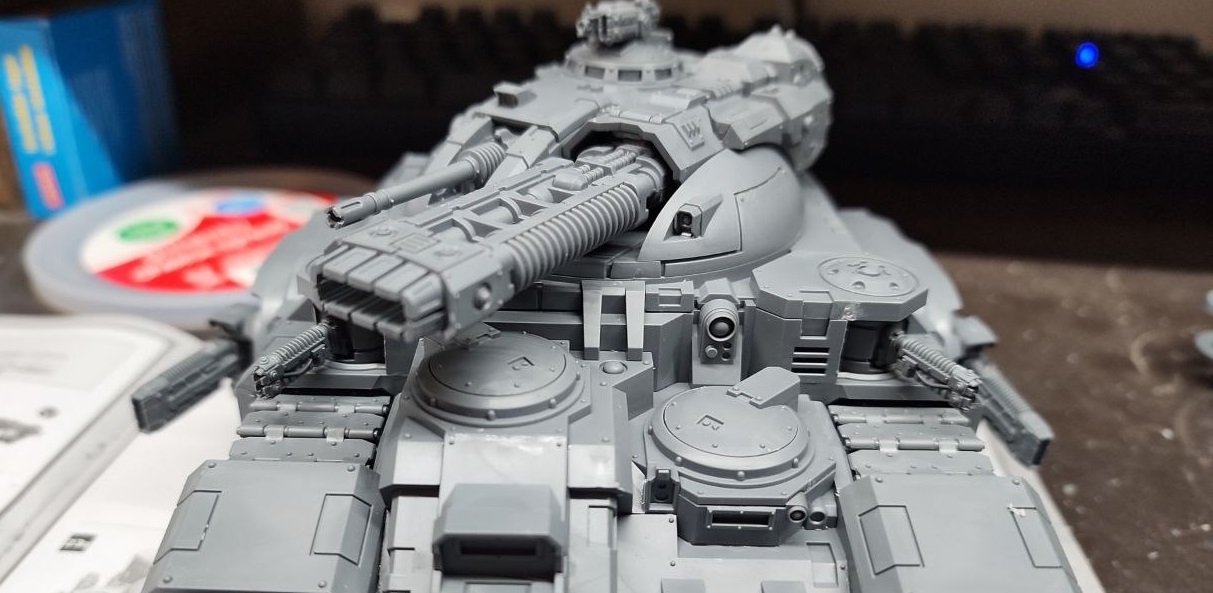
    Whomever designed the Kratos kit at Games-Workshop really understands their customers. It doesn’t even need much magnetization to keep all the loadout options available. Really only the top plate of the turret needs magnets. Everything else can just be swapped out securely enough.
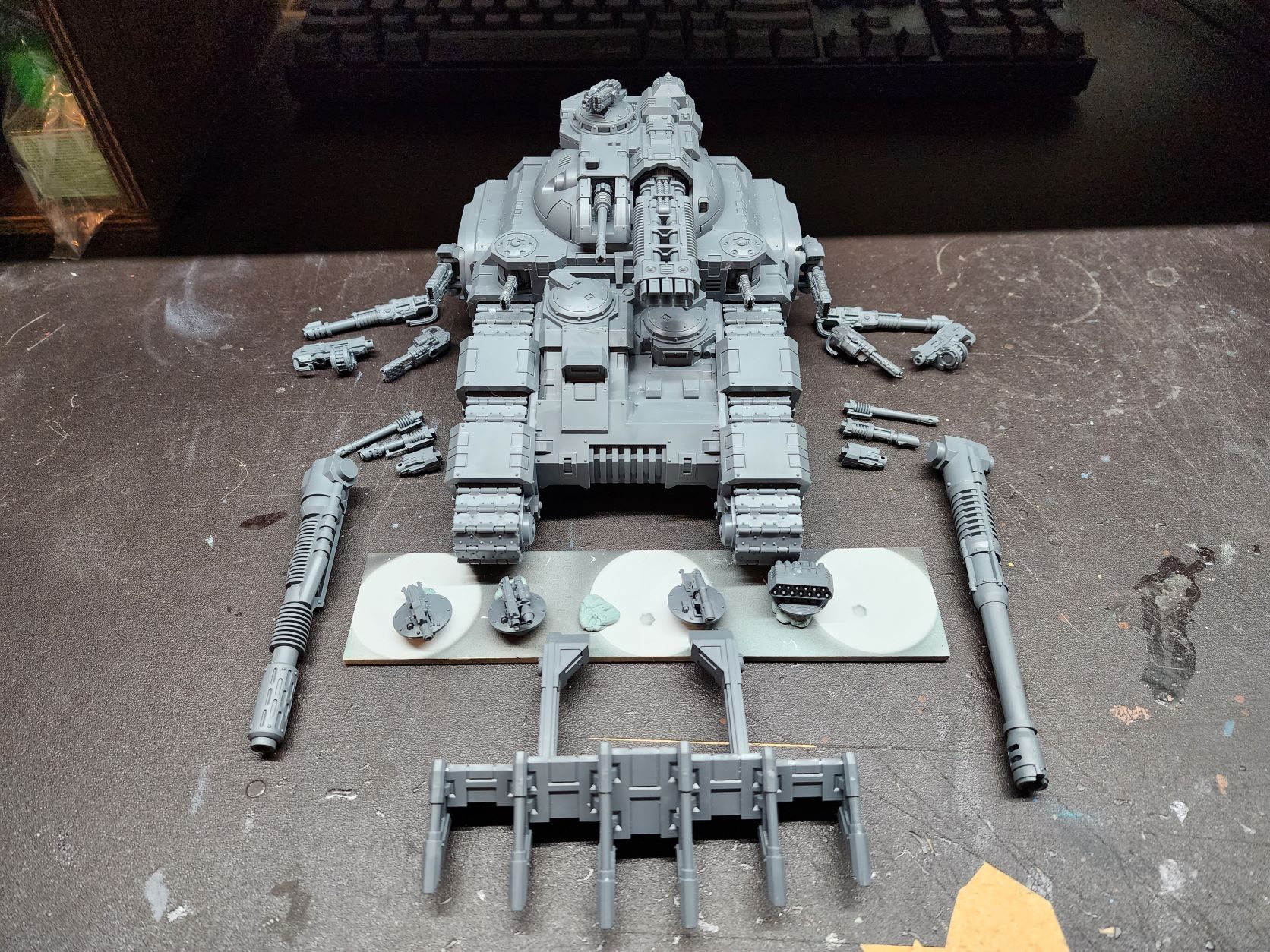
    The whole kit laid out

    Hull Weapons

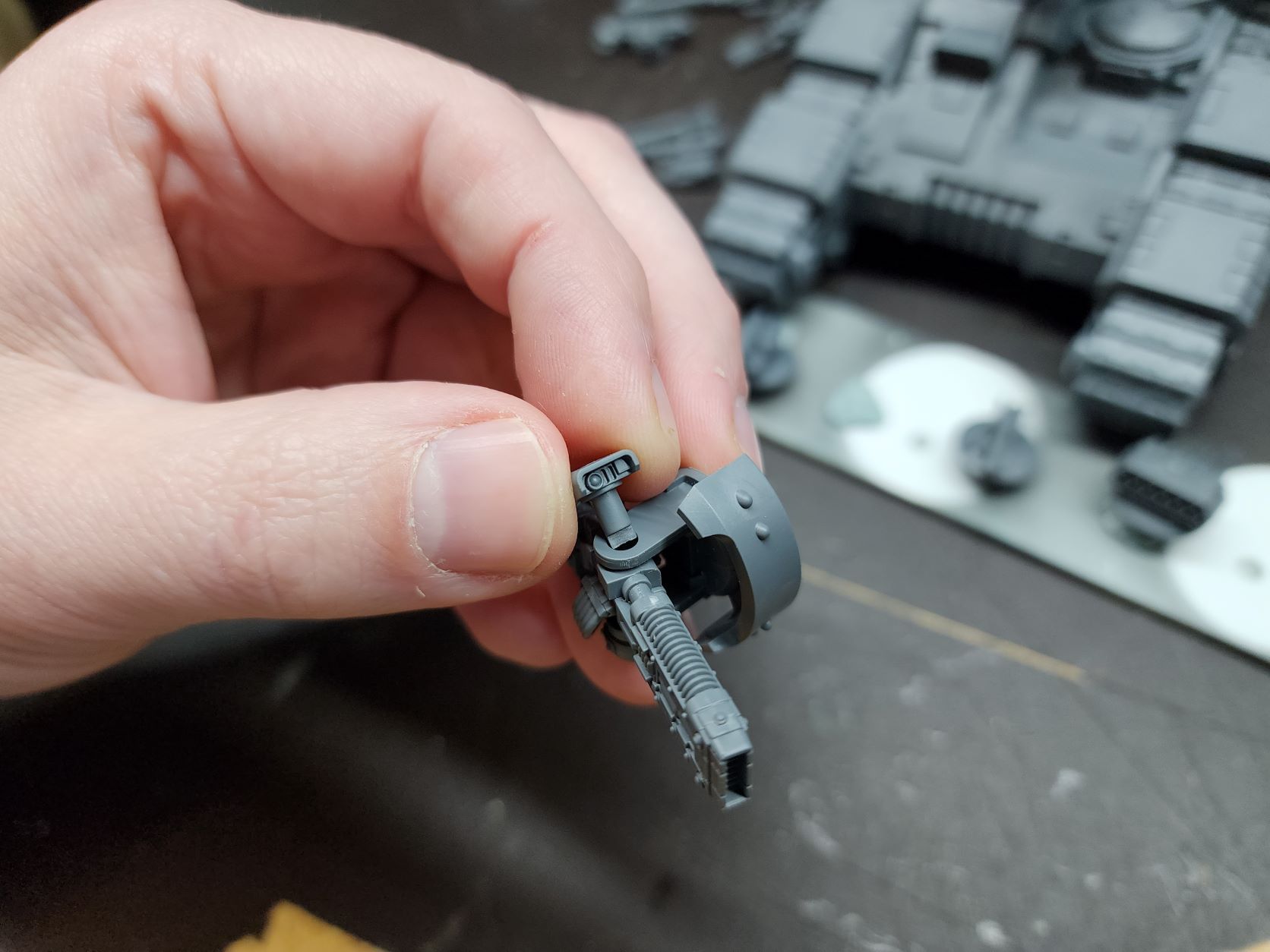
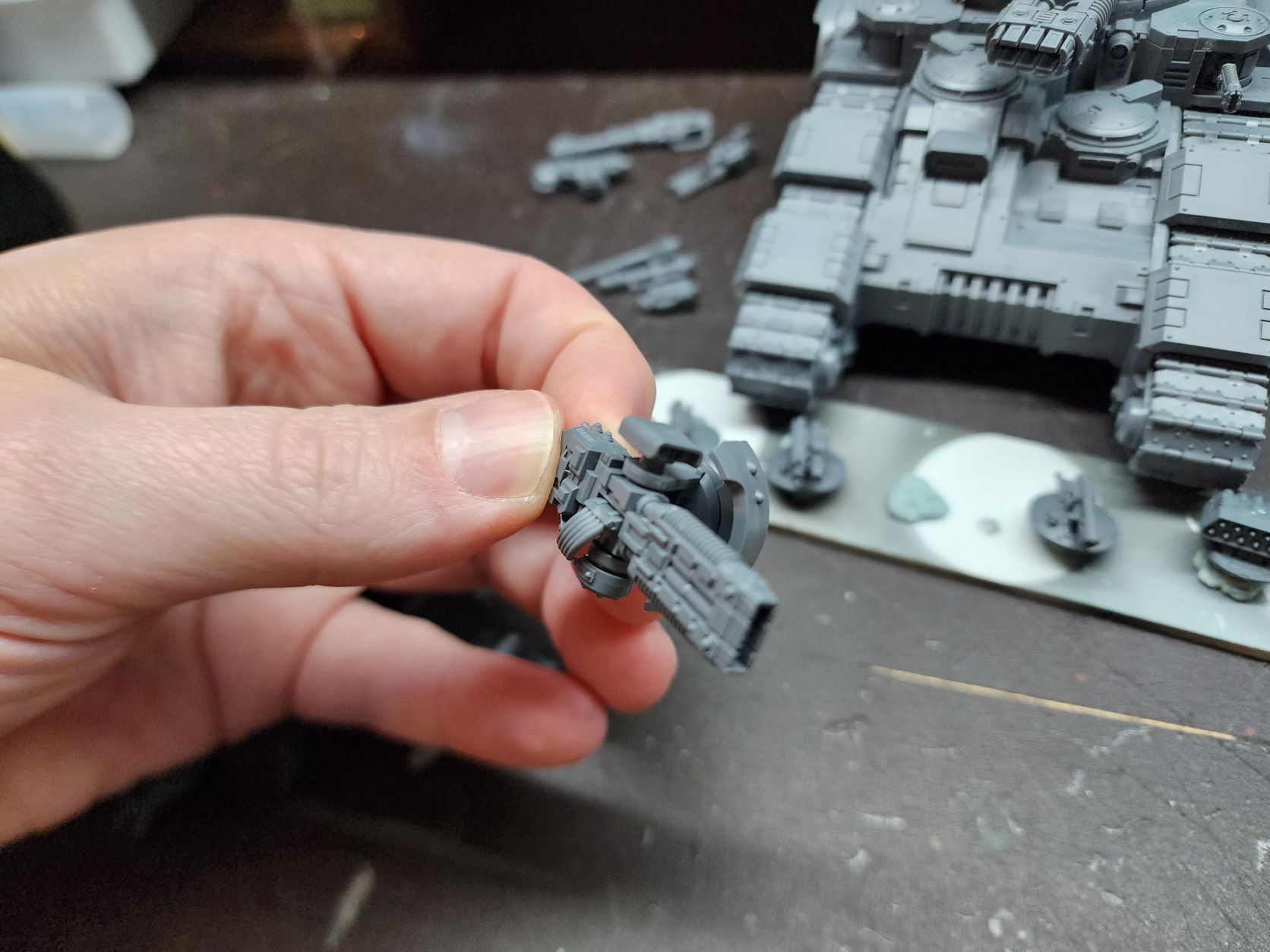
    First the hull weapons. If you are careful about lining up the two halves of the pivot assembly for the hull weapons you can literally just pop them in and out without any modification. I’ve left the top plate of the hull unglued to make getting the pivots painted easier.
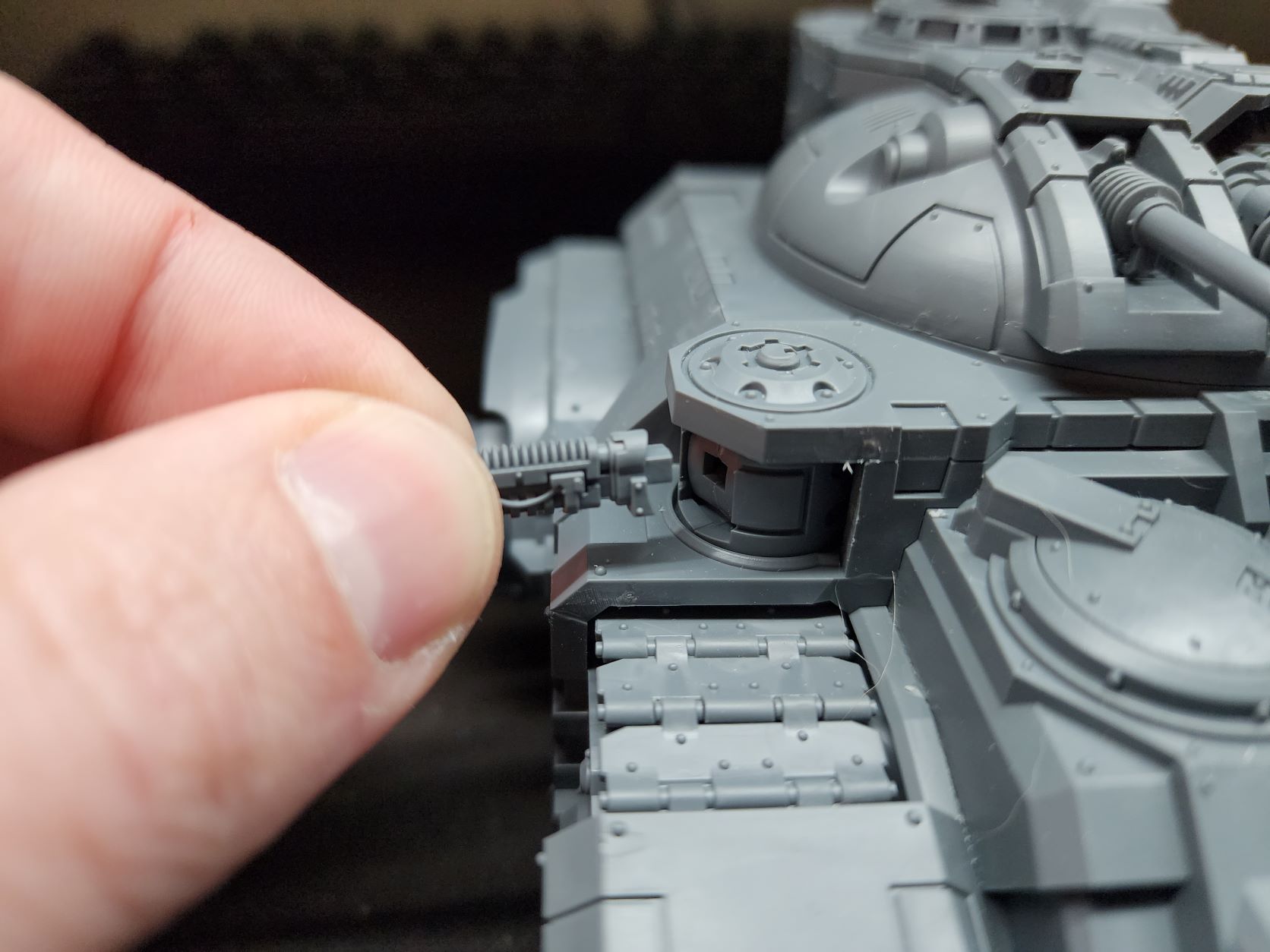
    Hull weapon ‘plug’

    Sponsons

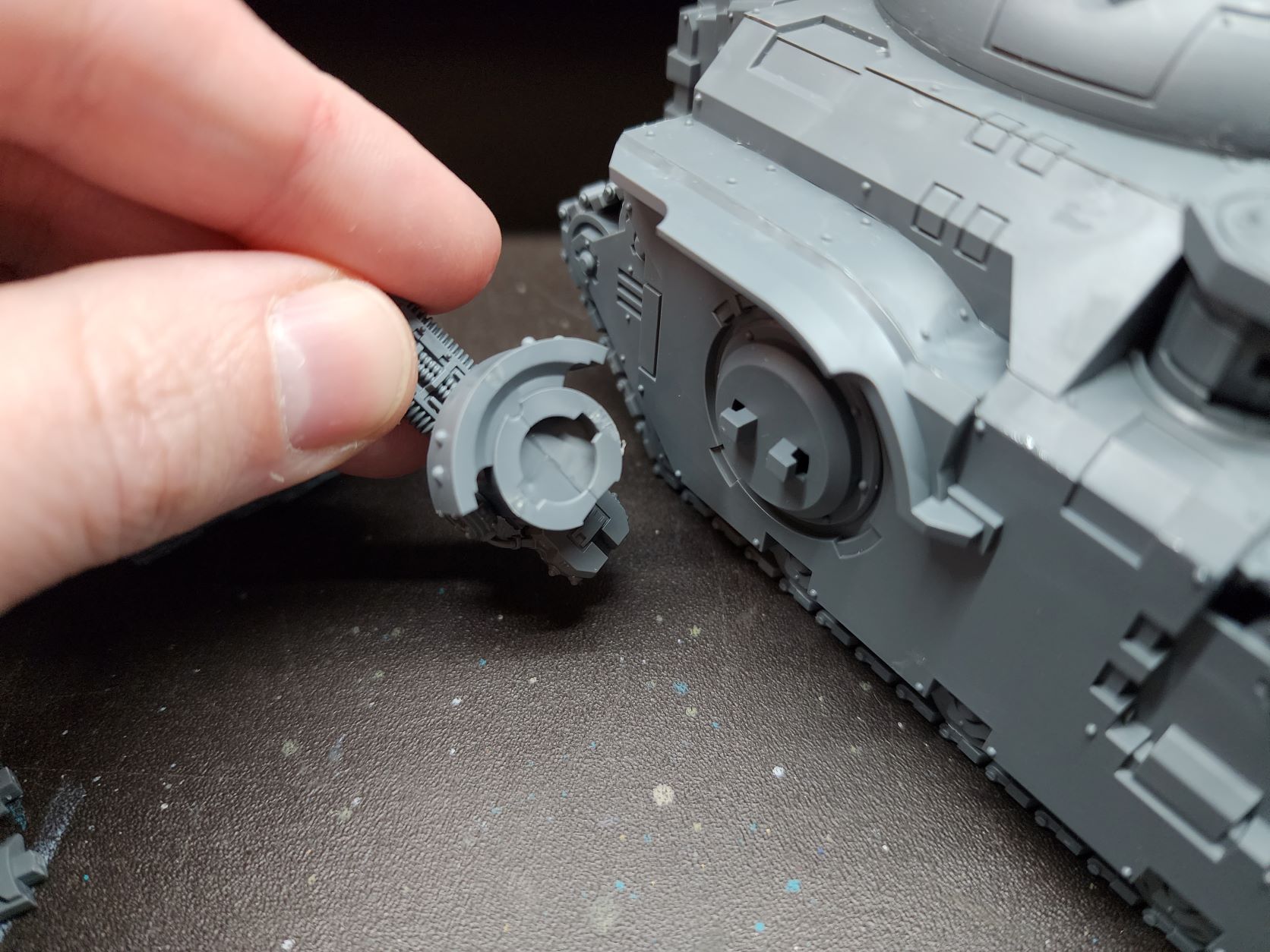
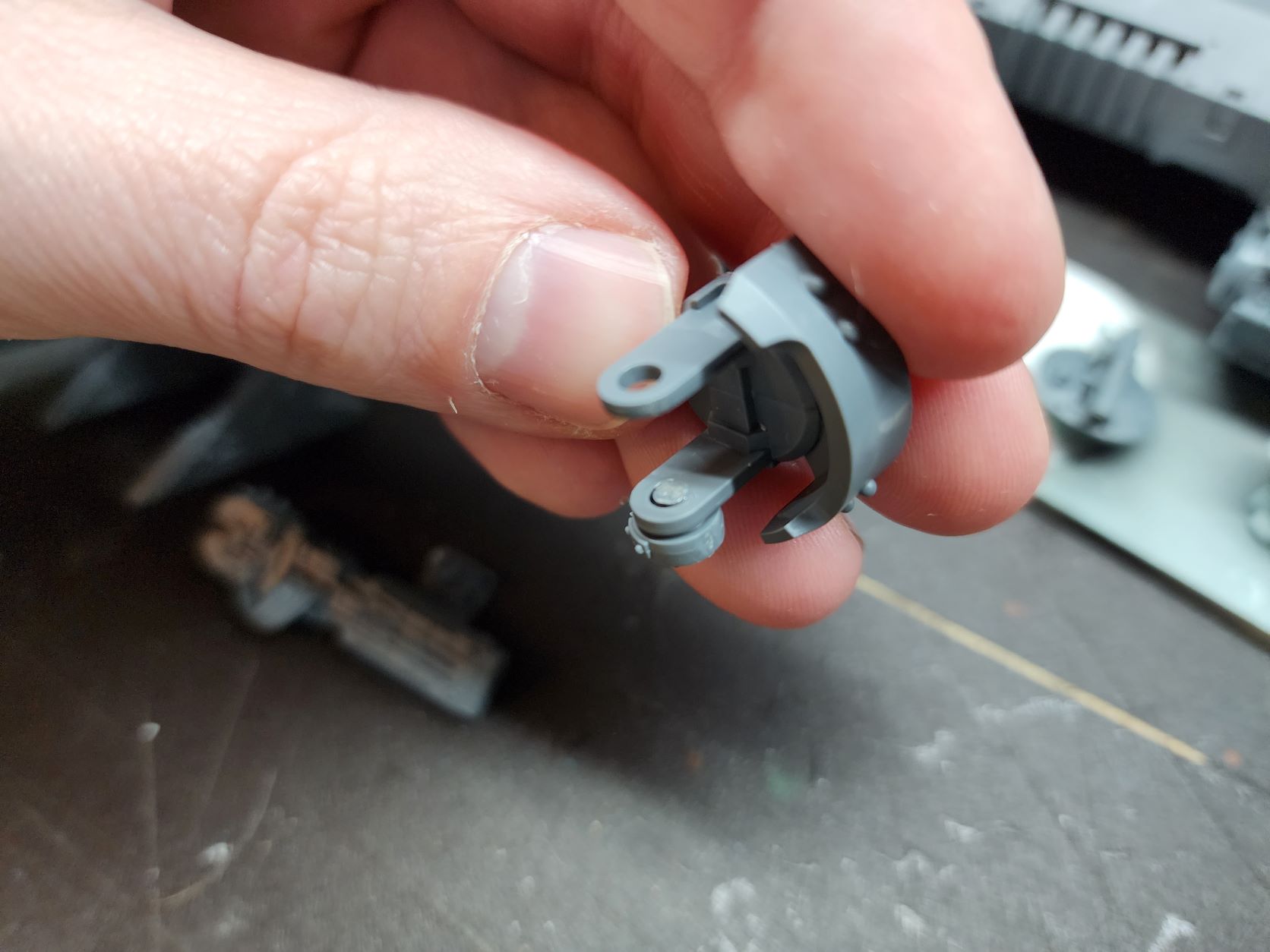
    The sponson weapons have a few different ways to allow swapping out. I did a little digging for how people were going about it and found the simplest and least fiddly method without using magnets. The actual sponson mounts are already designed to be removable (praise the modeler) so it will be easier painting and storing. But there is only the two mount assemblies. The weapons can be swapped out simply non-the-less. Glue the bottom plug in the mounts and snip it flush. Now you can slide a weapon in and place the top plug with the sensor bulb and it will hold very well and the way it is notched makes it pivot with the weapon so it looks good doing it.
    Turret

    The turret is really where the designers seem to have put some thought into modularity. If I’m honest they probably could have gone just a step or two further and it would be a no-brainer, but I understand the need to get the things done and not complicate the mold too much.

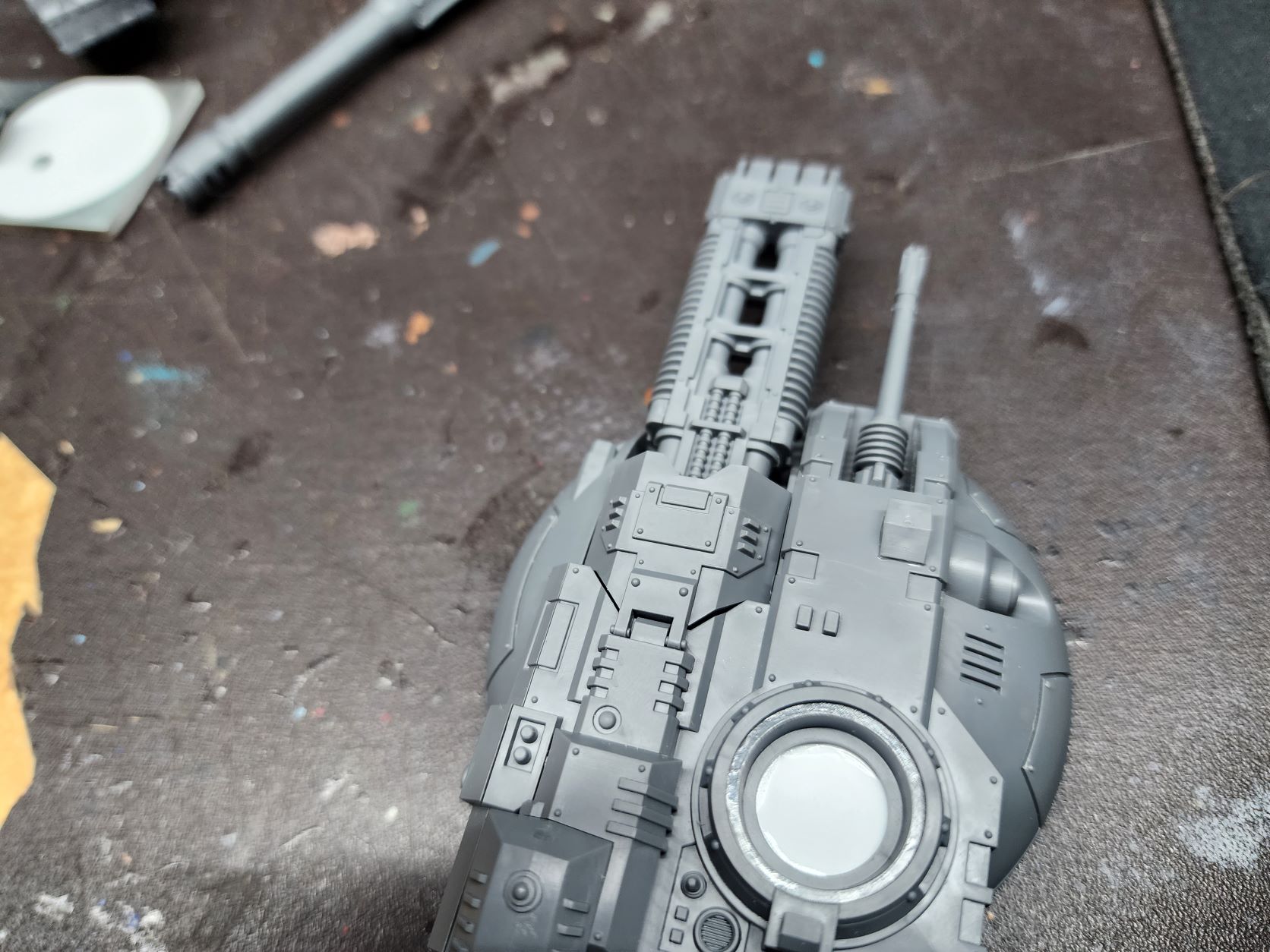
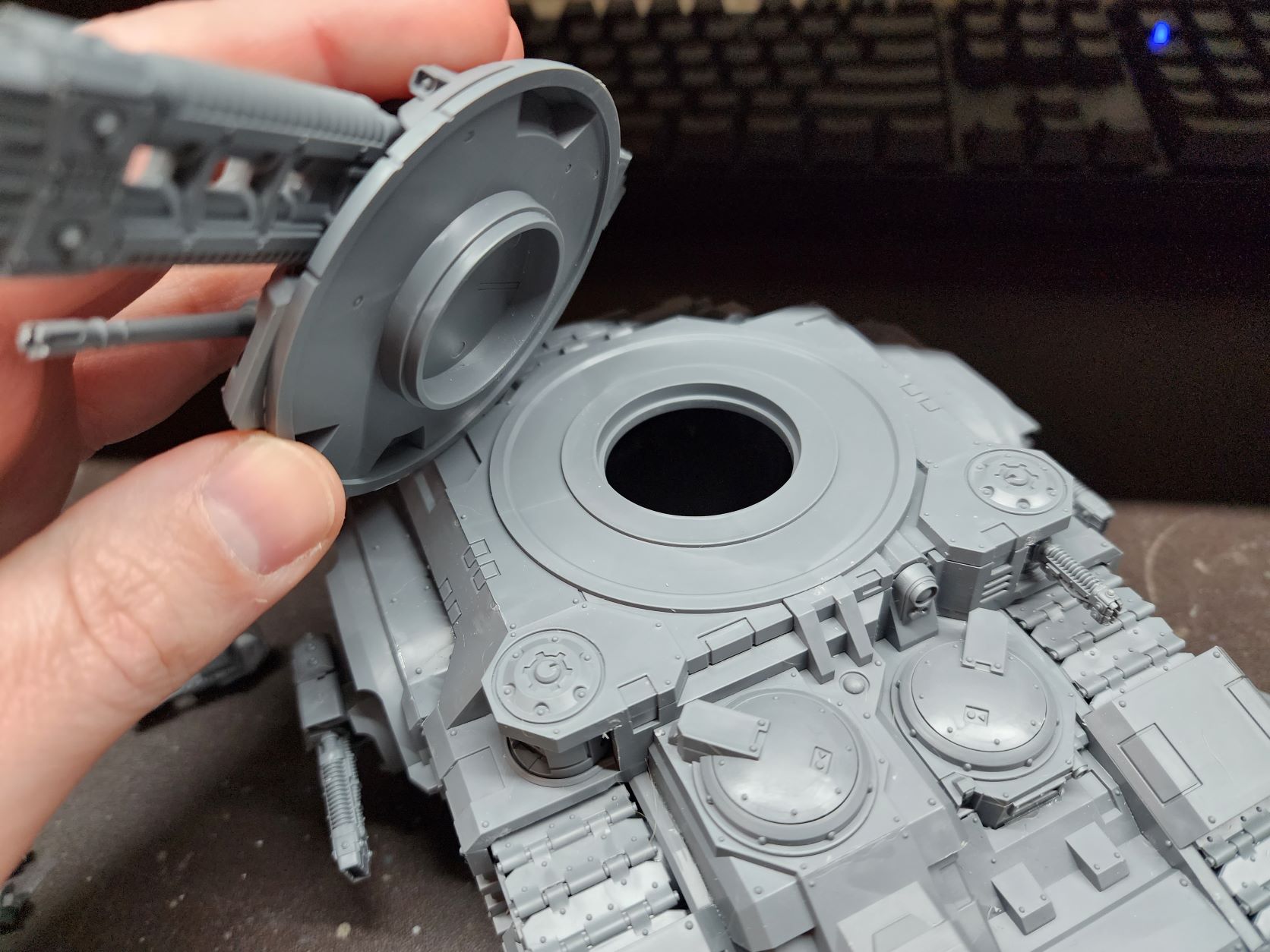
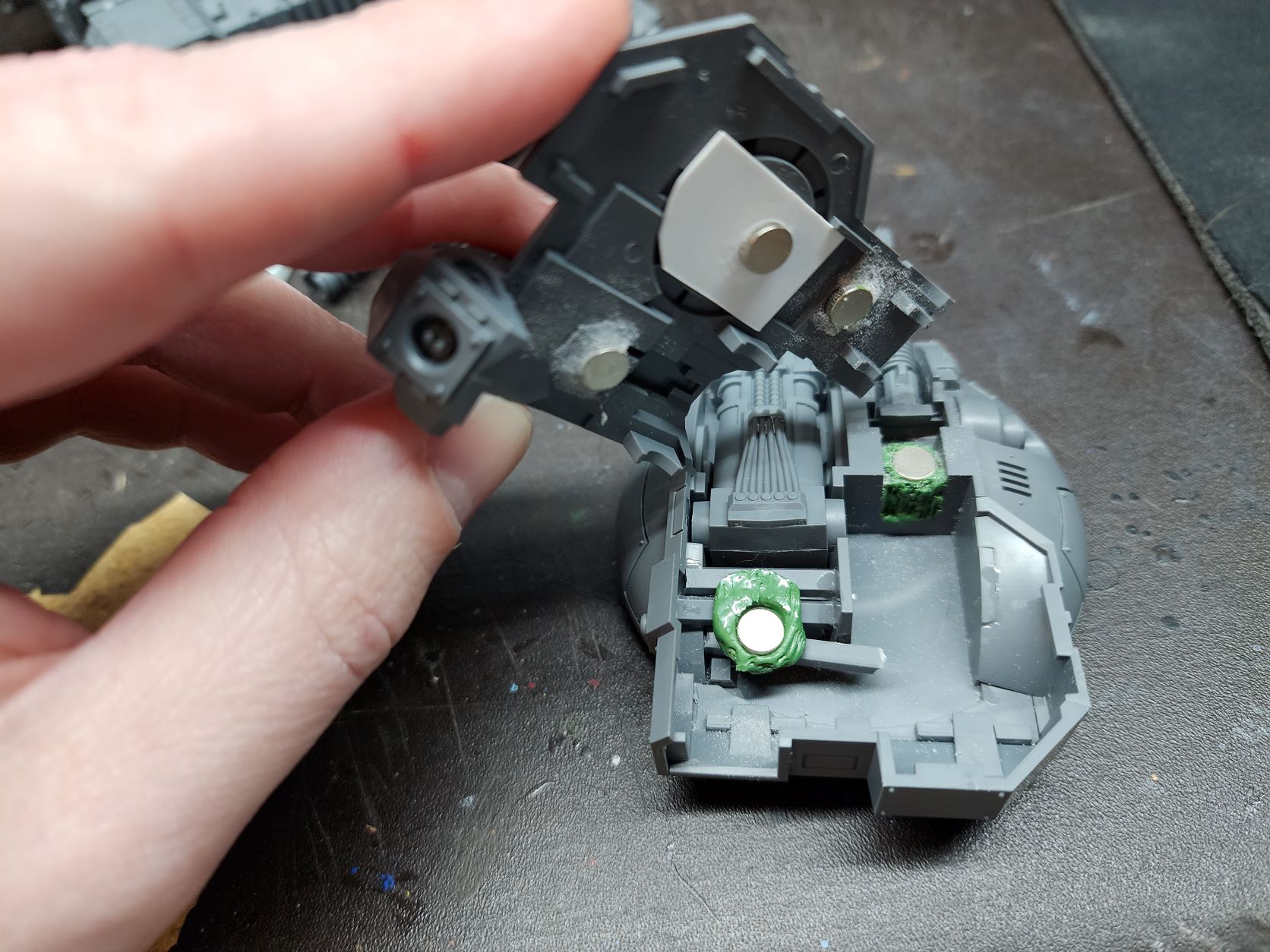
    The turret weapons have pivot posts that allow them to be held securely and yet pivot up and down when the top is glued down. By magnetizing the top plate of the turret rather gluing it you can easily swap the turret weapons. You can also fairly easily magnetize the specific decorative accessories that mount on the back of the turret for each weapon. I’ve opted to just mount the Vulkite one as it looks cool and I will likely be running that most of the time anyway. I’ve seen some do the traditional front loading magnetized weapon on these, but this simplifies things so much without worrying about the weapon seating straight. There are other hurdles with the removable top plate but it is a little easier to adjust as you go. I’ve placed a second magnet far forward beside the gun to ensure the weight of the main gun doesn’t cause the top to unseat at all. It all holds very securely.
    Cupola

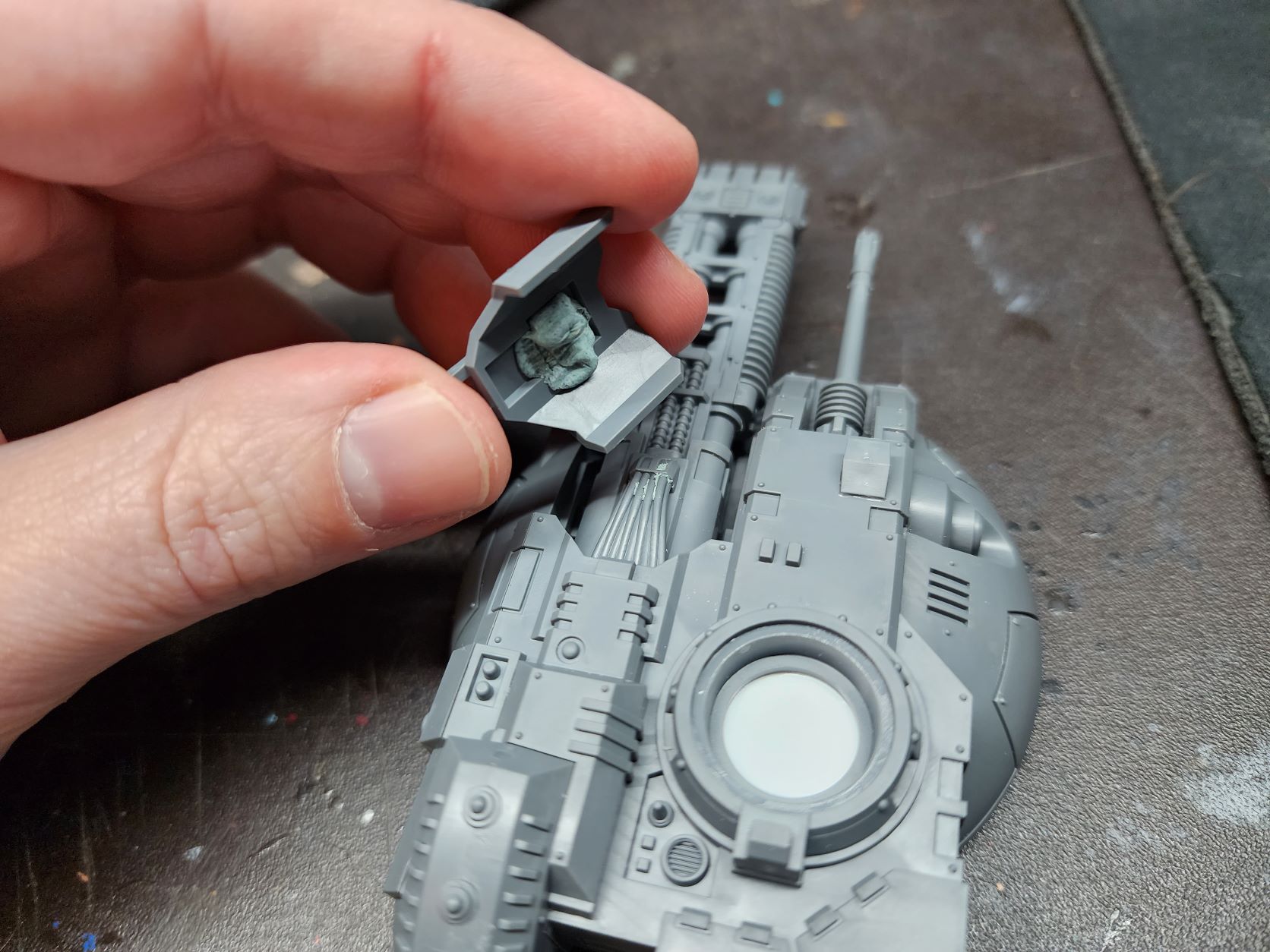
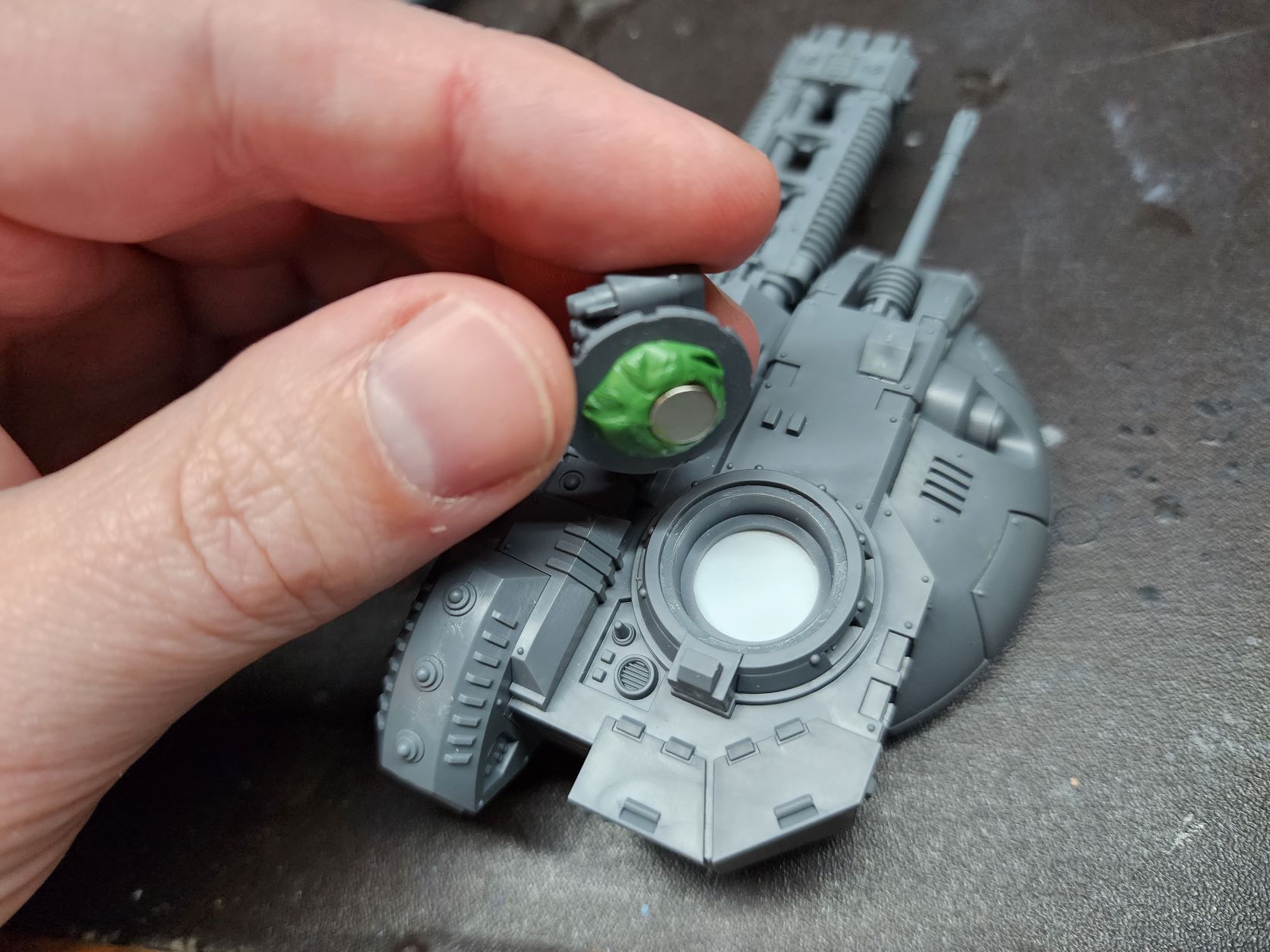
    The cupola/hatch/pintle weapons are pretty straight forward magnetization. A sheet of styrene under the hatch opening with a magnet in the underside. A touch of greenstuff and a magnet to mate with it on each hatch. They gave us 4 hatches and the havoc launcher has its own hatch. So you can have all the options available. The only caveat seems to be that 2 of the hatches don’t allow combi options even though the build instructions and the datasheet in both 30k and 40k don’t have non-combi options. But it is simple enough to imagine a bolter there isn’t it? I’ve opted to not use the marine popping out holding a pintle weapon as this will be used for both my Space Wolves and my Iron Warriors the same as my Landraider.
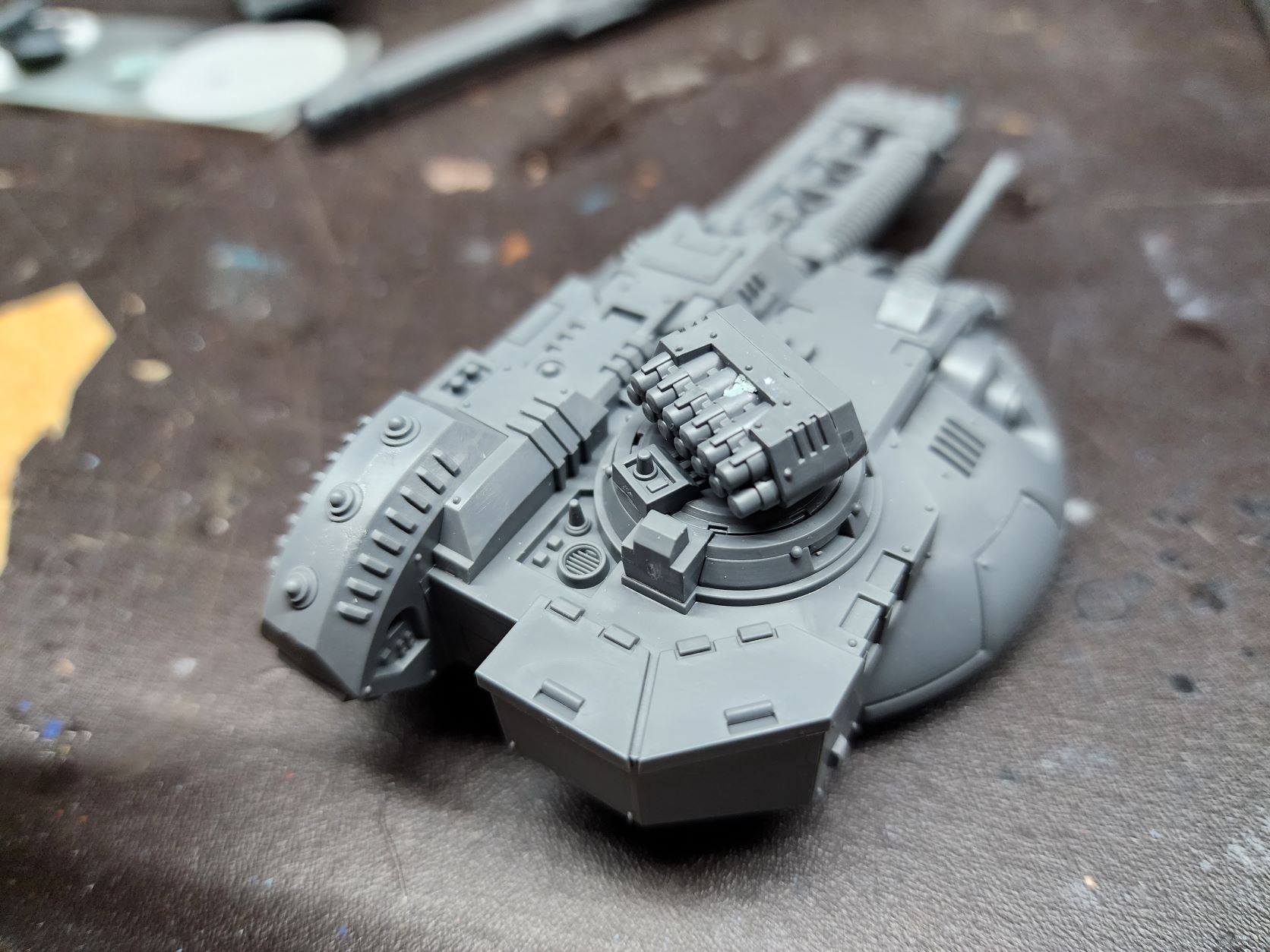
    Overall, this was a dream of a kit to build. It was so easy and everything lines up perfectly. It is night and day compared to even the recent Primaris vehicles and lightyears better than the old space marine vehicles. It will be tedious getting all the bits painted, but I plant do simple metallic weapons with some red accents to keep from getting bogged down with that.
  • Magnetize Imperial Knights

    Magnetize Imperial Knights

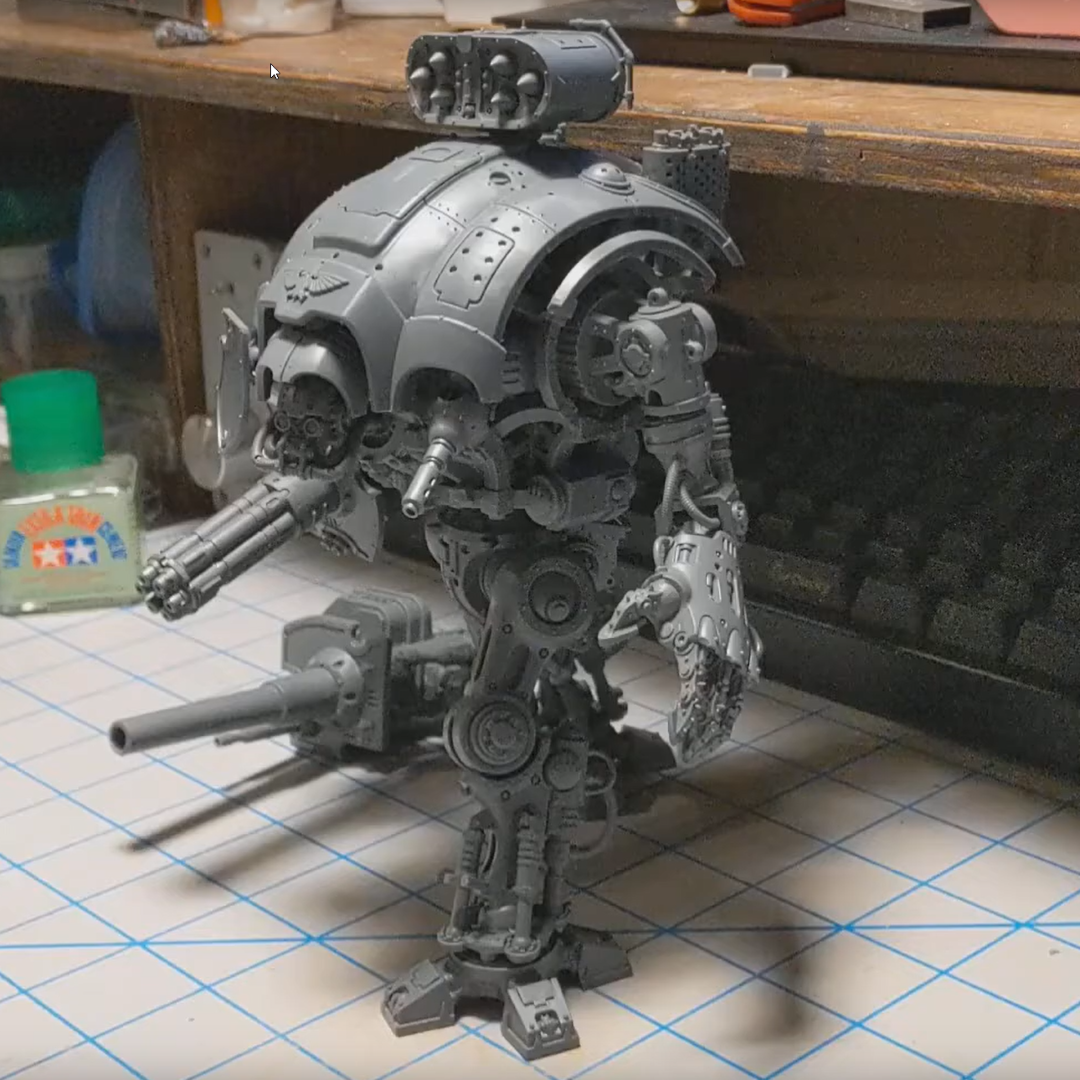
    A little video showing my fully magnetized Imperial Knight Questoris chasis. I used a magnet kit from The Magnet Baron.

  • Brutally Awesome Apps from Brutal Damage

    Brutally Awesome Apps from Brutal Damage

    Since beginning my foray into the world of tabletop gaming, I have consumed a great many ‘Battle Reports’. Otherwise known as recordings, either pre-recorded or streamed, of people playing said tabletop games.

    One battle report producing channel, Brutal Damage, seems to have a rather tech savvy bunch that have designed both a score-clock app and a social media generator. After learning about the app and generator, I took to poking at both and have some results to share.

    Social Media Generator

    The social media generator is rather neat. Just a few tweaks to change fonts and colors and a couple custom template images and you have some easy, branded media to pimp your streams.

    Custom template images, custom font, and handful of edits and BAM!

    In order to use the generator you will need:

    • Python 3.7.1 – I am not going to go into a Pythin tutorial here, there are plenty of others that have tread hat ground before.
    • Image Magic ( x86 or x64 ) – Just install it. The script interacts with it to manipulate the images.
    • Wand Libraries – type “pip install wand” in a command line or Powershell. This is what lets Python talk to Image Magic.
    • Click Libraries – type “pip install click” in a command line or Powershell. Their ReadMe doesn’t mention this, but I had to grab it as well.

    The generator can be found here: https://github.com/brutaldamage/graphic-builder

    Dual Attack App

    The Dual Attack app that was put out by this group is awesome. It is built rather specifically for Warmachine, though. Static time ranges. Can’t change points until Turn 2B. I don’t think it would take much tweaking to make it a tad more generic and work for many games.

    One reason they designed the app was to serve the game state data to a web page that can be rendered in a broadcast application and customized with CSS to fit your overlay. And it works rather well.

    After learning about the Dual Attack app I began playing with it and Open Broadcast Software Studio (OBS). I then remembered how bad I am at CSS. I poked around and discovered they are providing the data to the webpage via JSON. Knowing that, I knew I should be able grab that data myself. So I dusted off my Python (read Google) skill and whipped up a little script to grab the app data and dump them into text files for OBS to pull. It works rather well, even if I do say so myself. There is a momentary blanking of some of the fields in OBS due to what I imagine are read/write collisions. A better programmer might add some protection for such things, but I am not that programmer. I prompted for the IP…isn’t that enough? Here is a haphazard demo of it in action…

    My script is provided at the end of this post.

    The Dual Attack app particulars that thus:

    In closing…

    I have no idea if i will ever put any of this stuff to proper use, but was intrigued by the idea and the potential that it felt blog-worthy. So intrigued, in fact, that i cranked out a whole LargeGeek branded bat-rep setup in OBS…

    And a big thanks to Brutal Damage for sharing these tools and producing solid Bat-Reps! I plan to follow up this post with another post and maybe a video as a crash course in OBS as there are a few quality of life things that are not immediately apparent that I absorbed in researching all this.

    My Script:

    # This is a little Python script to be using in conjunction with the 'Dual Attack' score clock app.
    # It will generate separate files for each piece of data that the app tracks.
    # You can point text sources to these files in Open Broadcast Software to track game state on an overlay.
    # I am by no means an expert on any of this, so do what you will with it.
    # It seems to work well enough for me, with a momentary blanking on OBS when there are write/read collision.
    
    import urllib.request
    import urllib.error
    import json
    from time import sleep
    
    
    svrIP = input('Enter Server IP: ') # Ask user to input server IP
    server = "http://"+svrIP+":8080/data" # Build full address
    print('Currently generating Dual Attack files...\nCTRL+C to quit') # Print instructions
    
    # Main function to do all the work
    def file_gen():
        with urllib.request.urlopen(server) as url: # Look at server and dump json into jdata
            jdata = json.loads(url.read().decode())
            
            #Build individual variables for each json object
            jTurn = jdata["score"]["turn"]
            jTime1 = jdata["timer1"]
            jTime2 = jdata["timer2"]
            jCp1 = jdata["score"]["cp1"]
            jCp2 = jdata["score"]["cp2"]
            
            #Write data to each file
            wTurn = open("turn.txt","w+")
            wTurn.write(jTurn)
            
            wTime1 = open("time1.txt","w+")
            wTime1.write(jTime1)
            
            wTime2 = open("time2.txt","w+")
            wTime2.write(jTime2)
            
            wCp1 = open("CP1.txt","w+")
            wCp1.write(str(jCp1))
            
            wCp2 = open("CP2.txt","w+")
            wCp2.write(str(jCp2))
    
    #Loop to run function or exit        
    try:
        while True:
            file_gen()
            sleep(0.5) # adds a delay so you are writing and polling needlessly
    except KeyboardInterrupt:
        quit()


  • The Tempting World of Tabletop

    The Tempting World of Tabletop

    I have tried many times to compose a blog post describing my journey into tabletop gaming, but they all end up way too detailed and self-important. So here is a bulleted list.

      • Stranger Things wakes family, friends, and myself up to the fact that Dungeons & Dragons is a thing. (this is the part that gets long winded, the fact that I can be so into so many facets of geek culture, but somehow DnD completely passed me by)
      • We dive head first into it and discover a plethora of other games.
      • X-Wing Miniatures brings cousin into wargaming.(Brother and I already owned it, but it failed to alert us to just how big all this was)
      • We both click onto Star Wars: Armada in a big way.
      • The pending release of Star Wars: Legion has us looking into it’s competition.
      • Warmachine/Hordes grabs me big time and we have been going big with that since.
      • Add Warhammer: Age of Sigmar to the list…mostly because of this guy. I always thought the Man-Bat from Batman TAS was awesome, so this miniature is enough to get my attention in a big way.

    Long story short. All this was under our noses the whole time, but there was absolutely no scene in our neck of the woods and every pop culture reference to any of this stuff made it all seem like it died in the 80’s.

    And now here is a bunch of pretty pictures.

    My Wargame Terrain

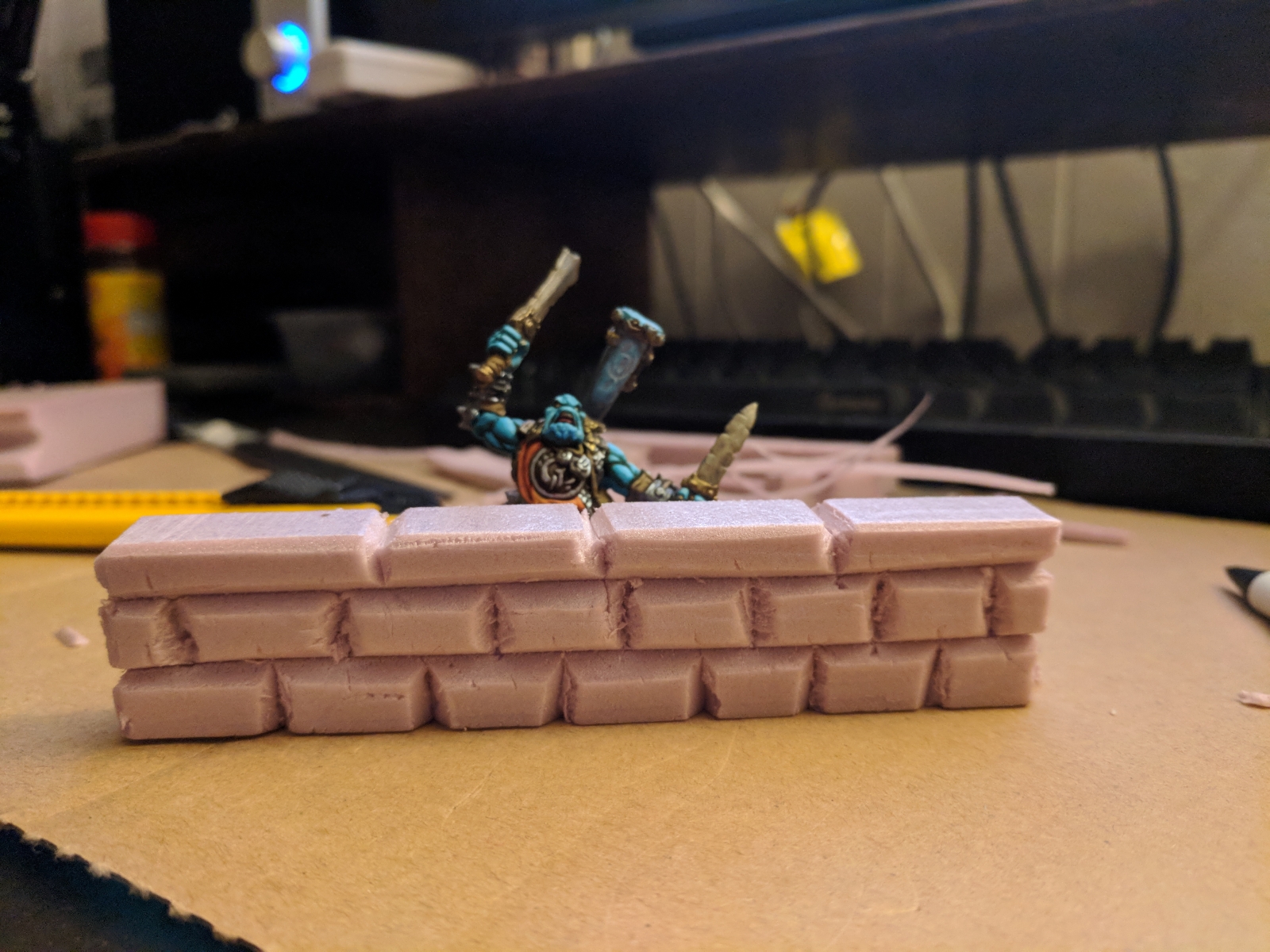
    Simple wall

    Image 1 of 43

    A bit cartoonish, but it serves its purpose.

    My Warmahordes Miniatures 

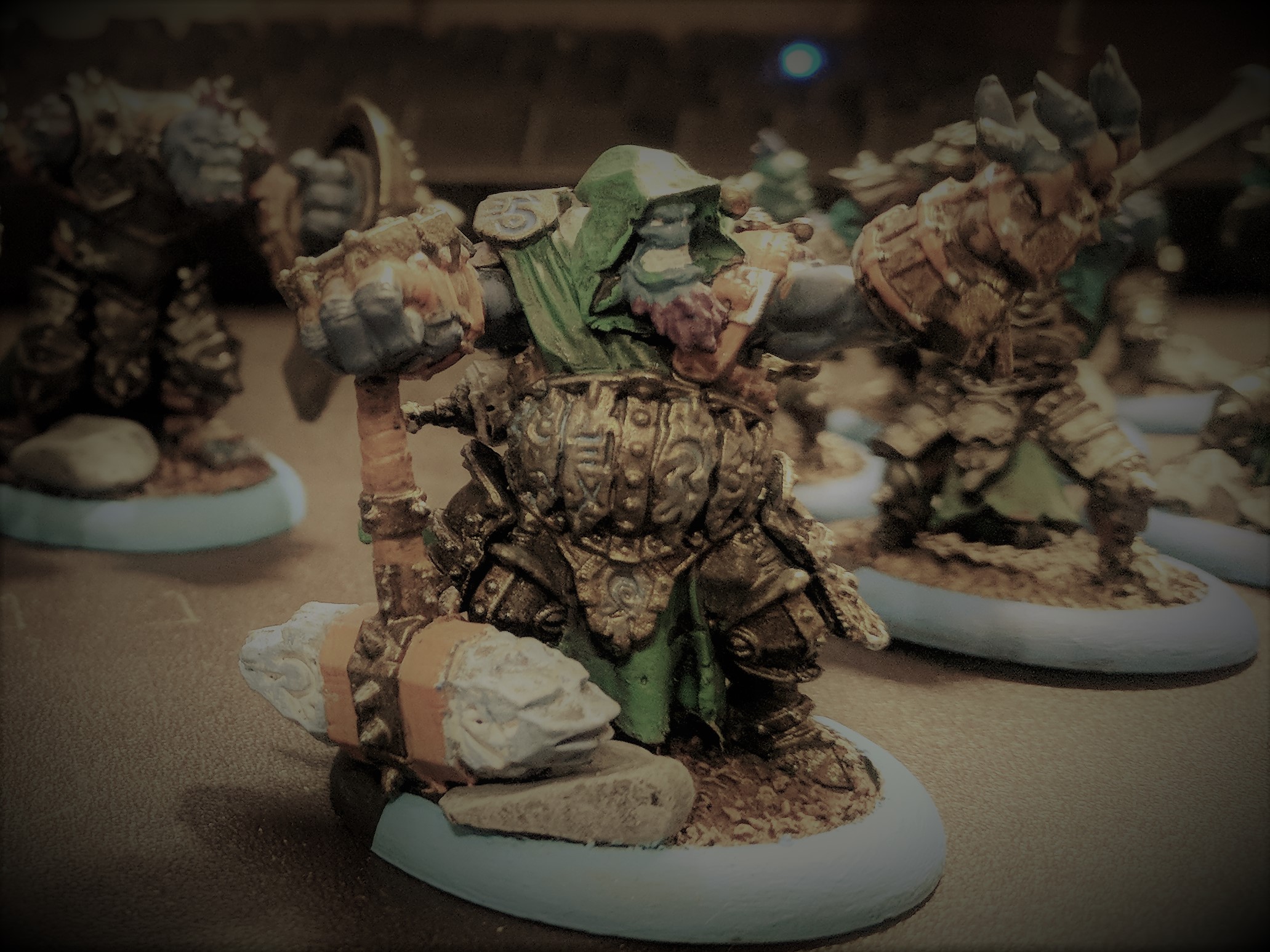
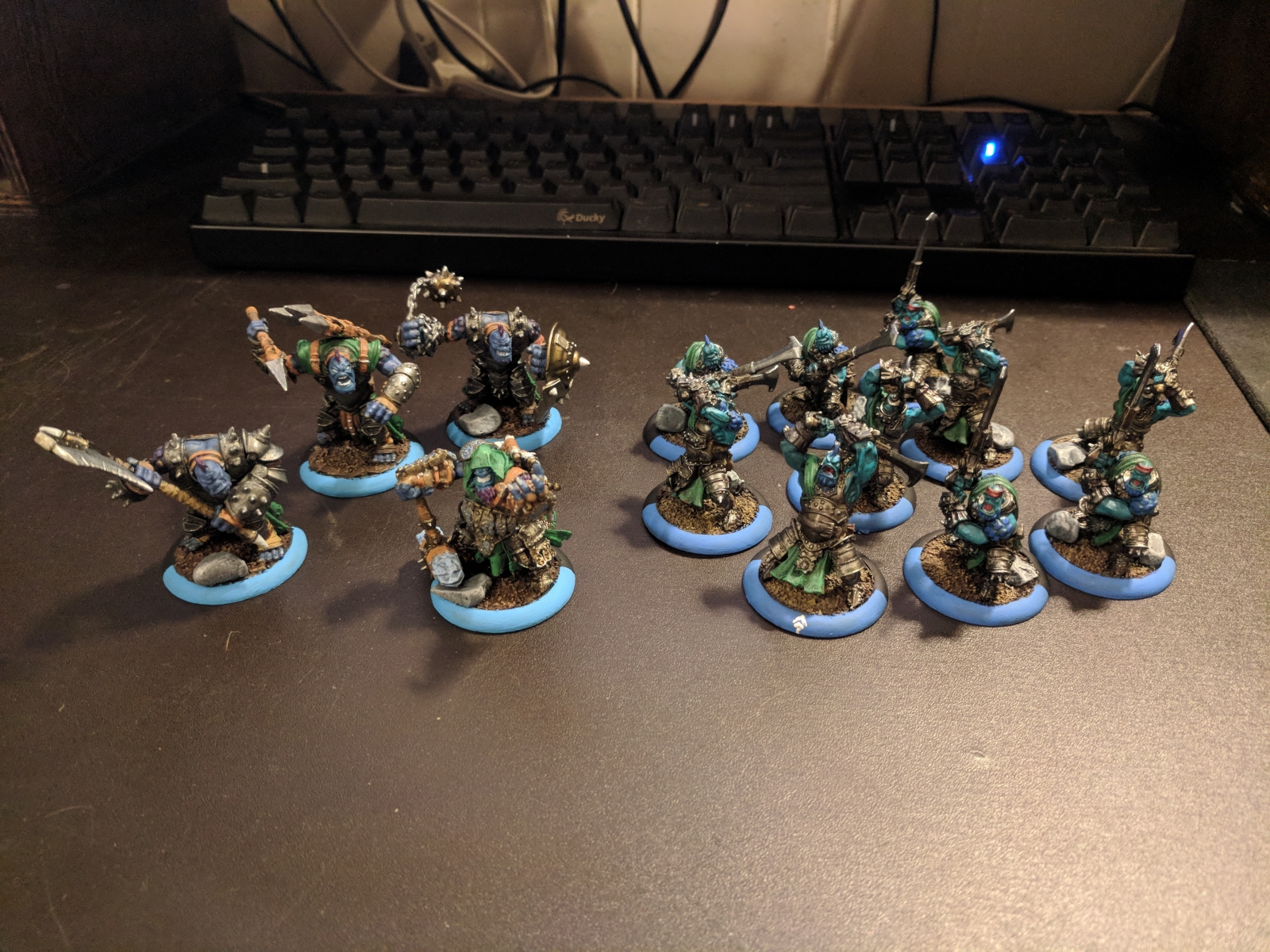
    Trollbloods

    Image 1 of 35

    The start of my Trollbloods army from the 2-Player Battlebox


    Star Wars Armada Accouterments

  • Review: Ducky DK9008G2-A PBT

    Review: Ducky DK9008G2-A PBT

    If you have no idea what a ‘mechanical’ keyboard is and why it is a ‘thing’, I suggest you read through the rather thorough post at Overclockers.net before partaking of this article.

    I became aware of mechanical keyboards from a few hosts that appeared on a few different shows over on Cnet. One in particular would rattle on about how much more satisfying it was to type on them. Also the Das Keyboard was popping up around the web a lot. I do a good bit of data entry so made the appropriate mental notes incase I decided to one day make the ultimate workplace upgrade.

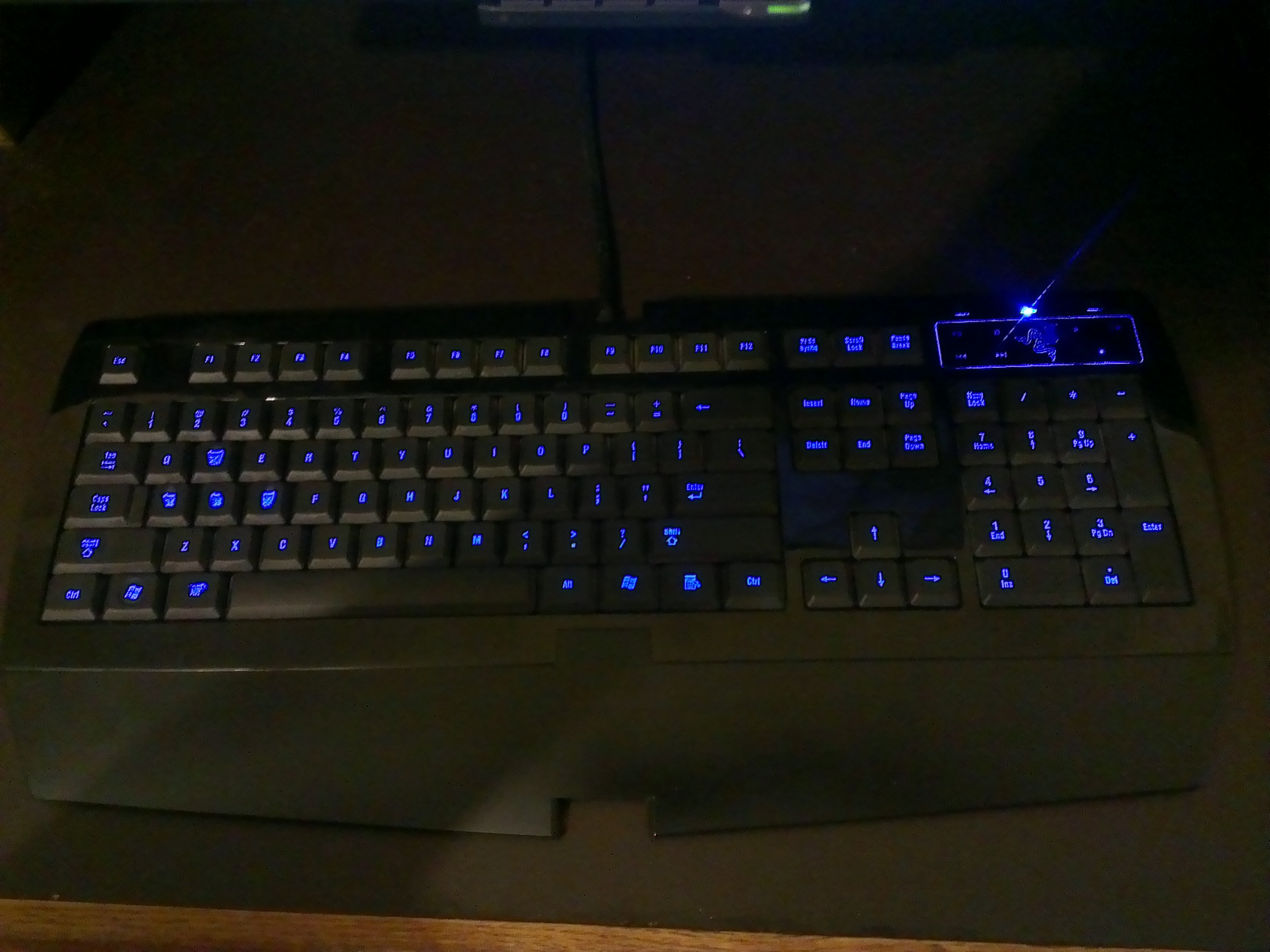
    Around that same time replaced my generic, OEM style keyboard with what I hoped would be a rather fruitful gaming keyboard in the Razer Lycosa. And for the most part it has served me very well over the past few years. It’s twitchy action and soft touch was a god send during my heavy World of Warcraft grind sessions. After years of abuse it is not cutting it anymore. The soft-touch key coating is worn, the backlighting is annoying, the touch sensitive media keys don’t work anymore, typing is utter torture, and the action does not measure up to what I have found mechanical switches can deliver.

    At some point not long ago gaming grade mechanical keyboards started entering the market from the likes of Razer and Corsair. This brought the mechs back to my attention. If the mainstream manufacturers think this is a thing, I need to pay better attention. I started doing my research and discovered all the information that is nicely summarized in the OC post. However, I could never really justify replacing my Lycosa as I am very on and off with gaming and don’t type enough at home to justify a new keyboard, much less mech that comes at a premium.

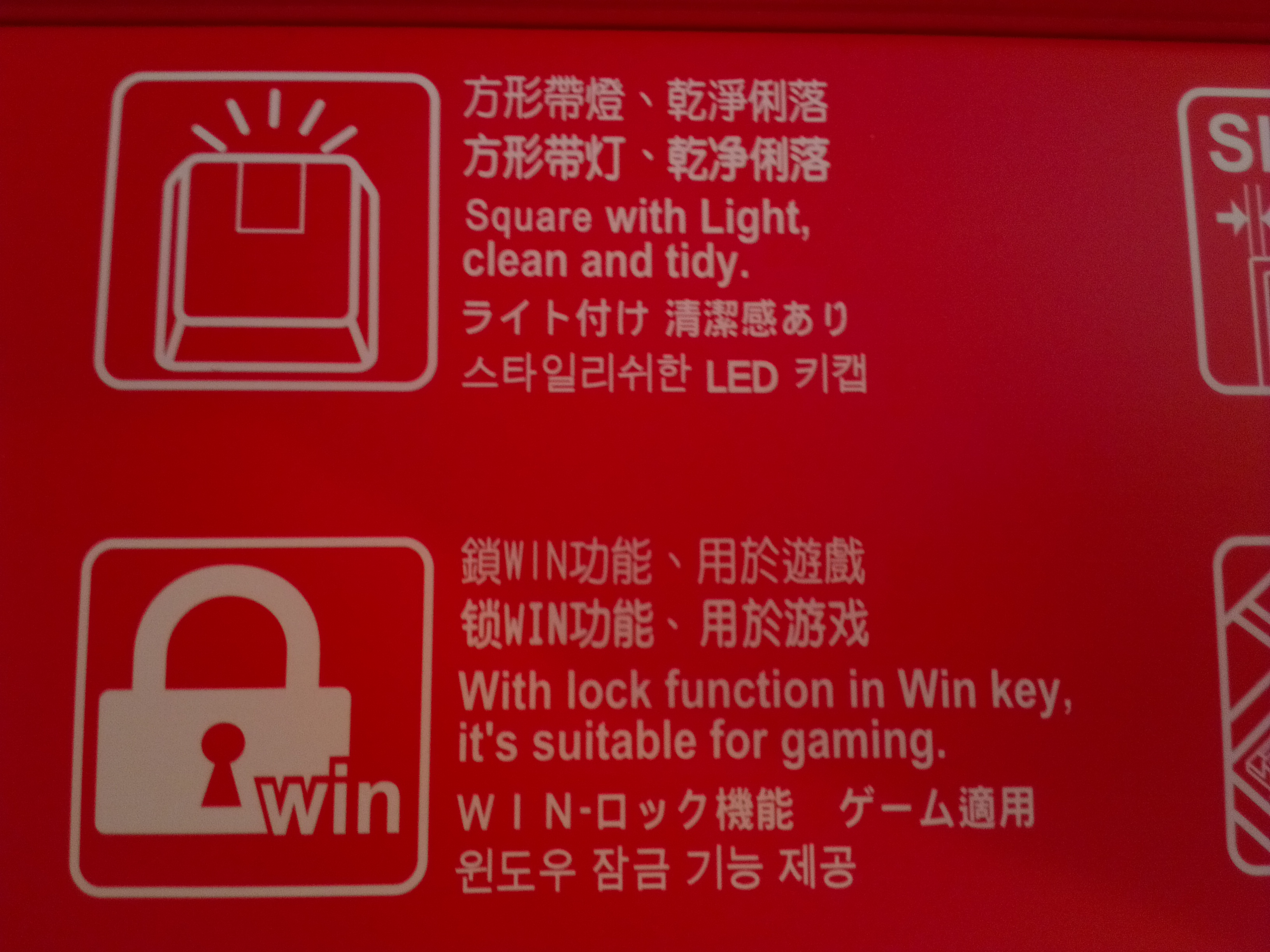
    My brother was doing similar research as I, and found he could justify replacing his generic Dell board. He went with the SteelSeries G6V2. After really getting a chance to poke at a mech in real life, I decided to start shopping. The SteelSeries uses Cherry-Blacks and I decided I liked them. I couldn’t imagine using the touchier Reds and knew I didn’t want the Browns or Blues that have the ‘snap’ action that makes typing so delightful, but is not as suited for gaming. I would have bought the G6V2 also if it wasn’t for one detail. Sadly, they decided to replace the left-hand Win-key with their function key. That is no good for me. I am a keyboard shortcut junkie and need that left Win-key (this will be even more important when Windows 8 takes hold). While shopping, I took a hard look at what I was replacing…what bothered me about the Lycosa. I made a checklist for what I wanted in my next keyboard:

    • Cherry-Black Switches: I had first person experience with them and had positive feedback from my brother
    • Durable keys: No soft touch keycaps. Maybe opt for premium materials.
    • No backlight: One more thing to break or wear out and possibly impact the functionality of board over time.
    • No bells and/or whistles: This is a feat in the gaming keyboard market as manufacturers feel the need to differentiate and do so by slapping whatever half thought out features they can to be distinctive.
    • Needs to LOOK like a keyboard: Like the above point, some makers differentiate so much that what started out as a keyboard ends up looking like something out of Dali’s nightmares.

    I found very few keyboards that met these requirements and had decent reputations. Since black switches are considered gaming switches, manufacturers feel the need to make flashy ‘gaming’ keyboards around them that take up extra space and have bonus features that get in the way and rely on proprietary software to function fully.

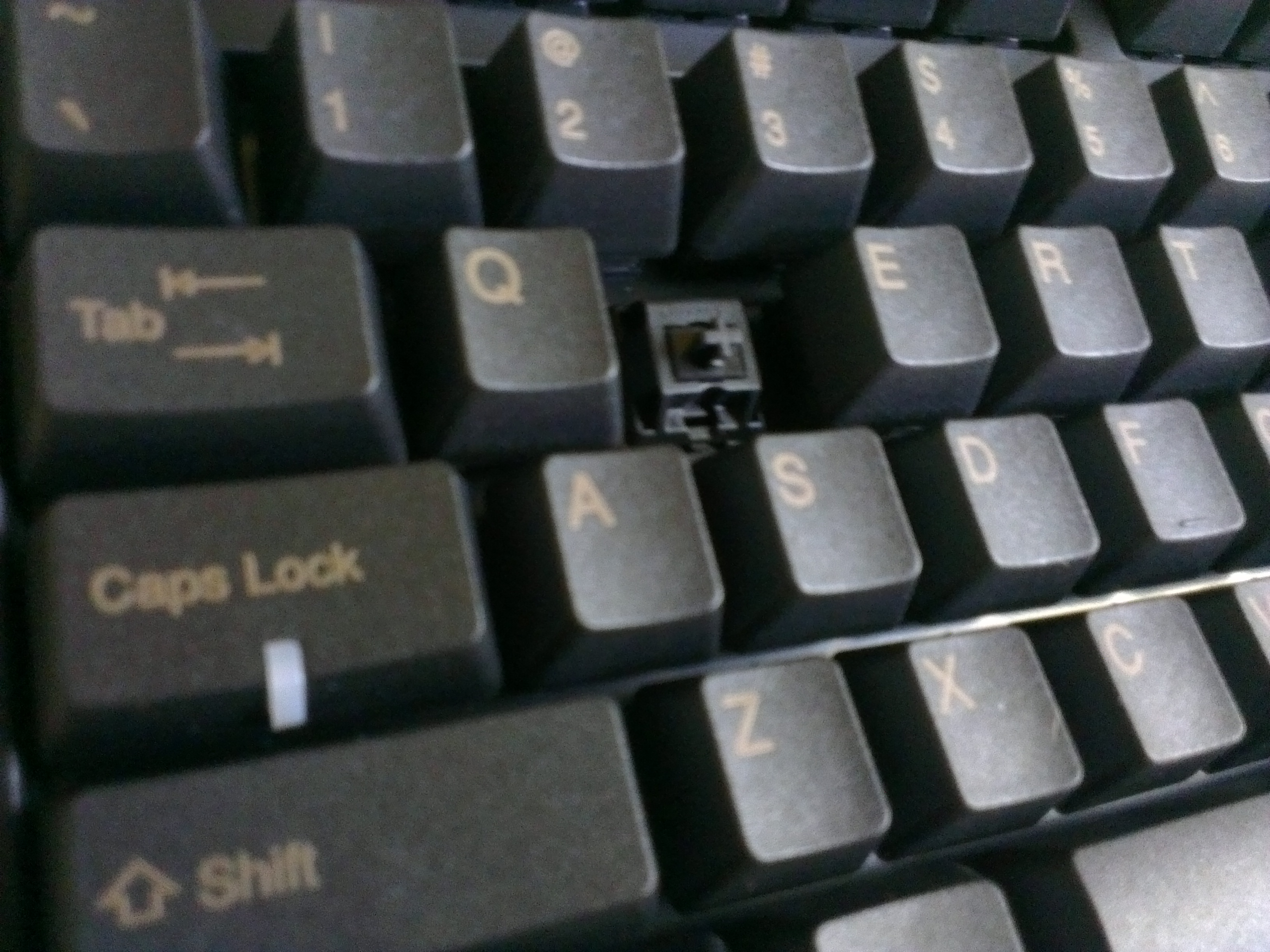
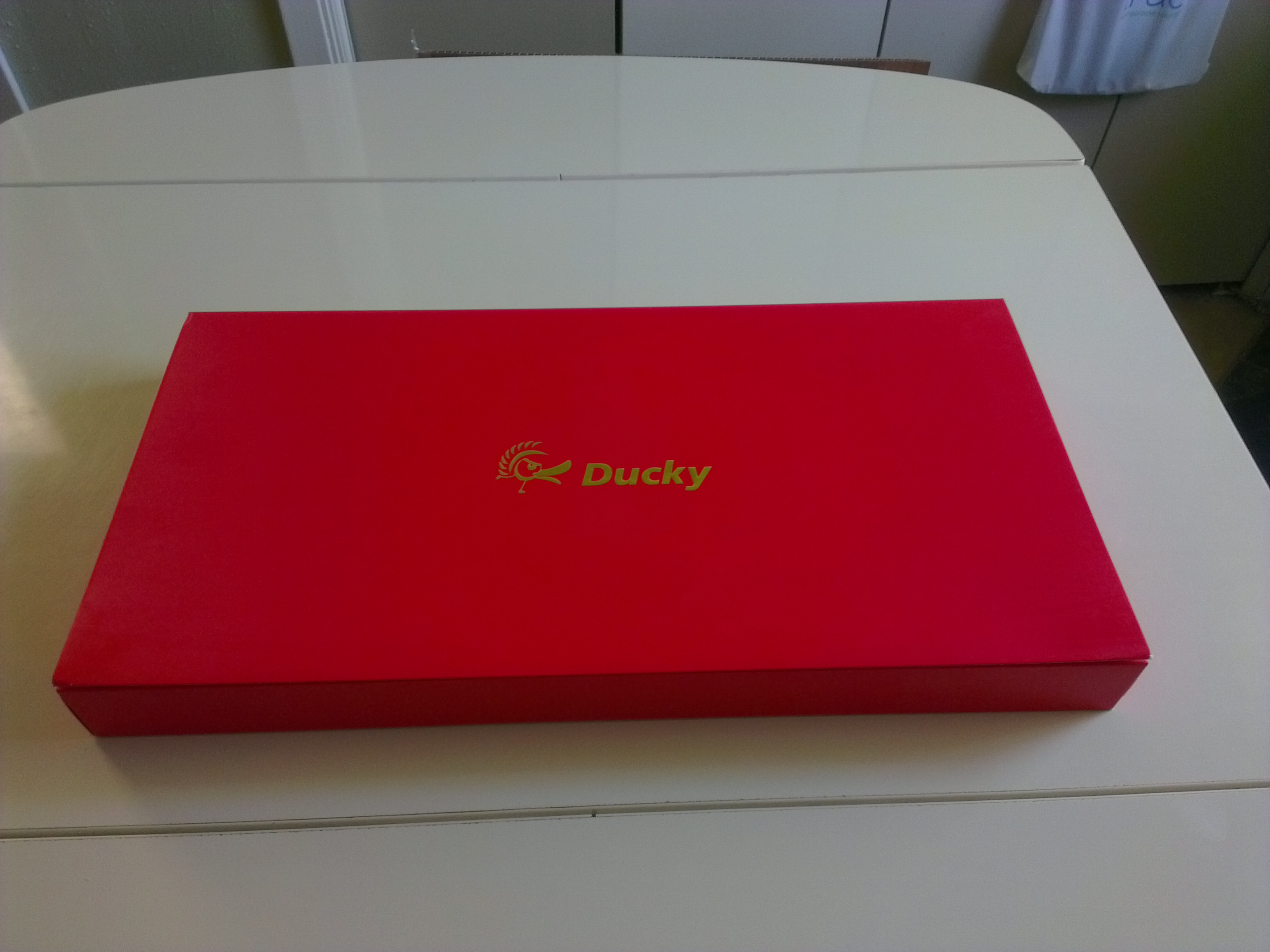
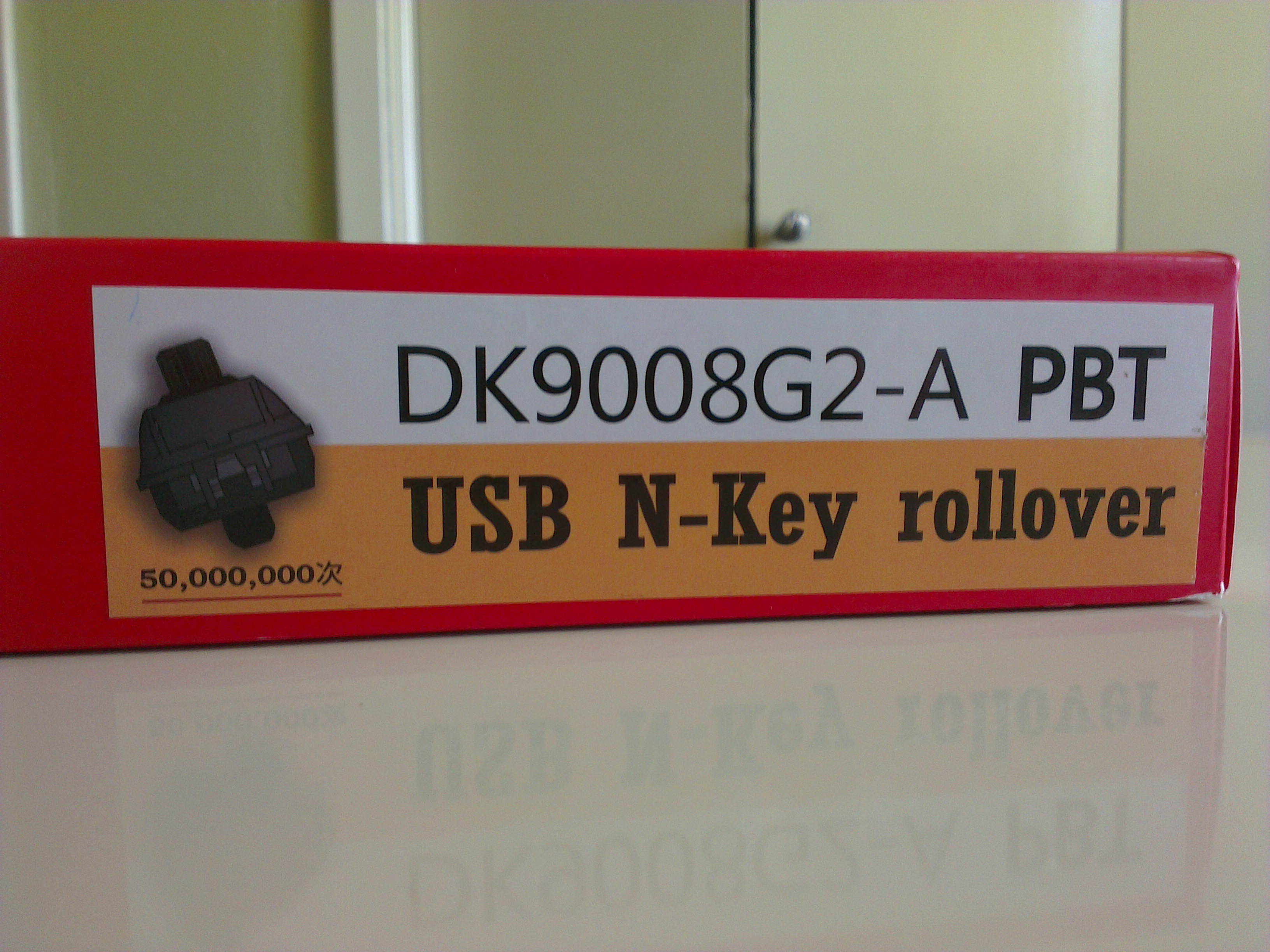
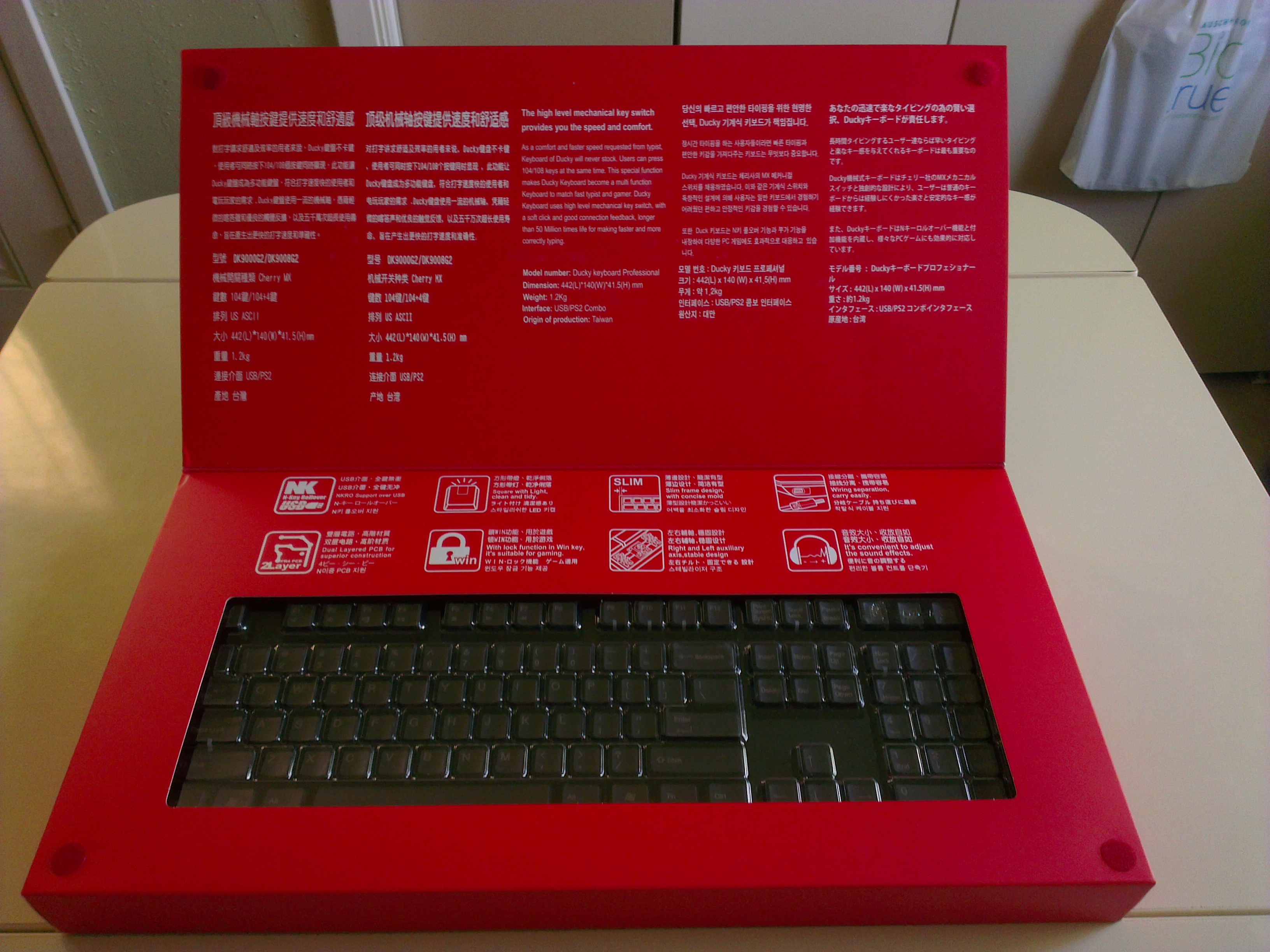
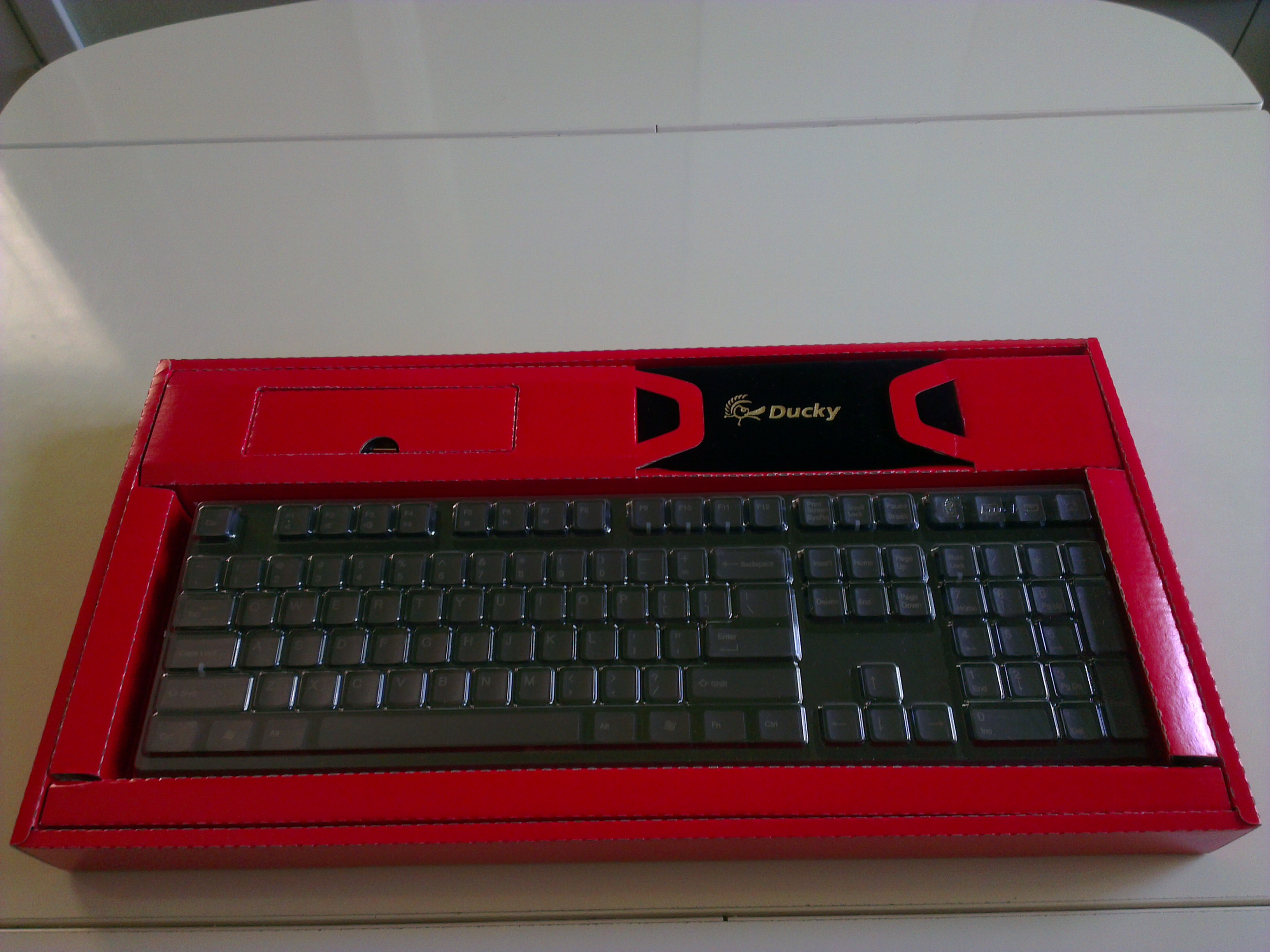
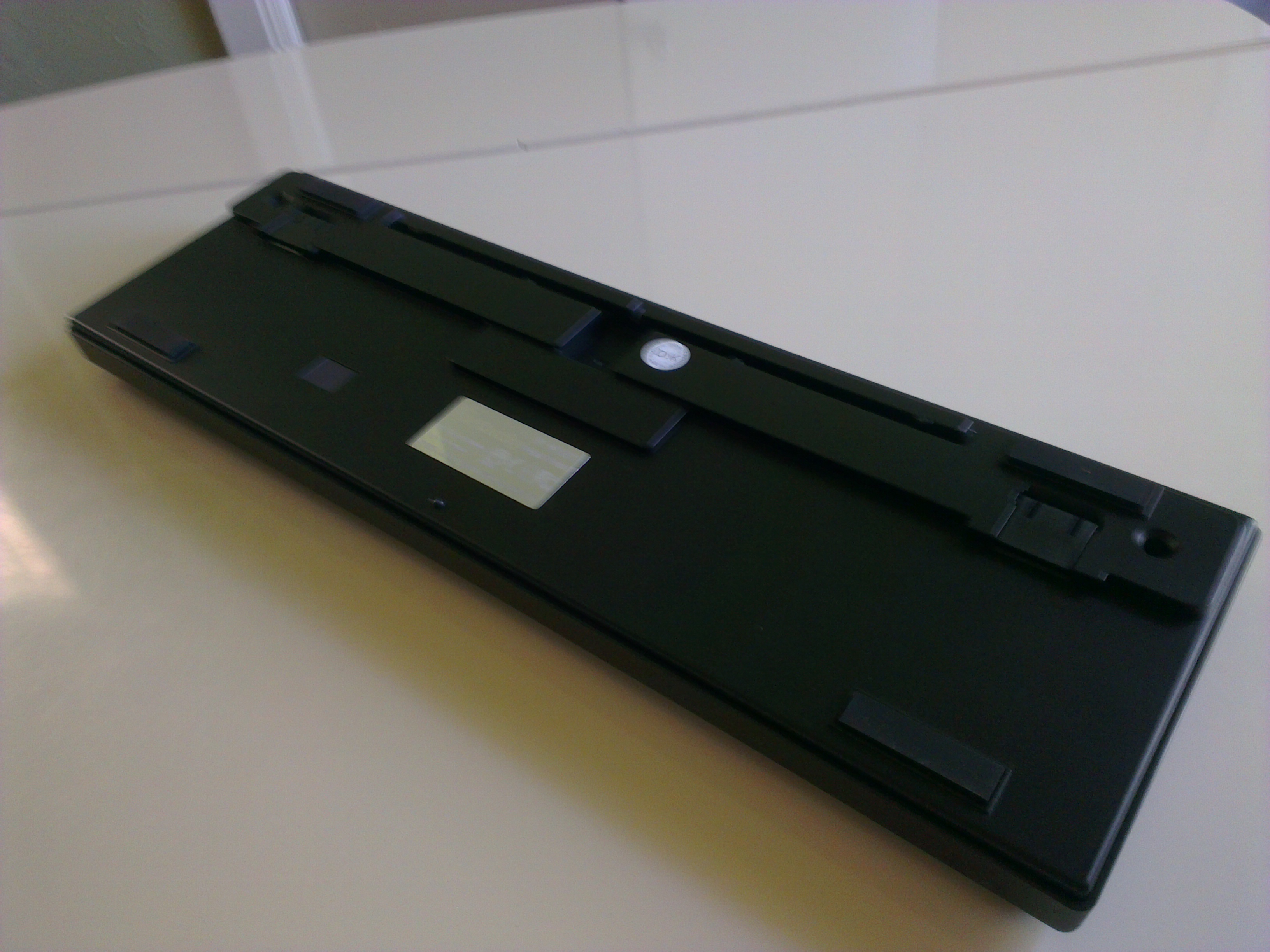
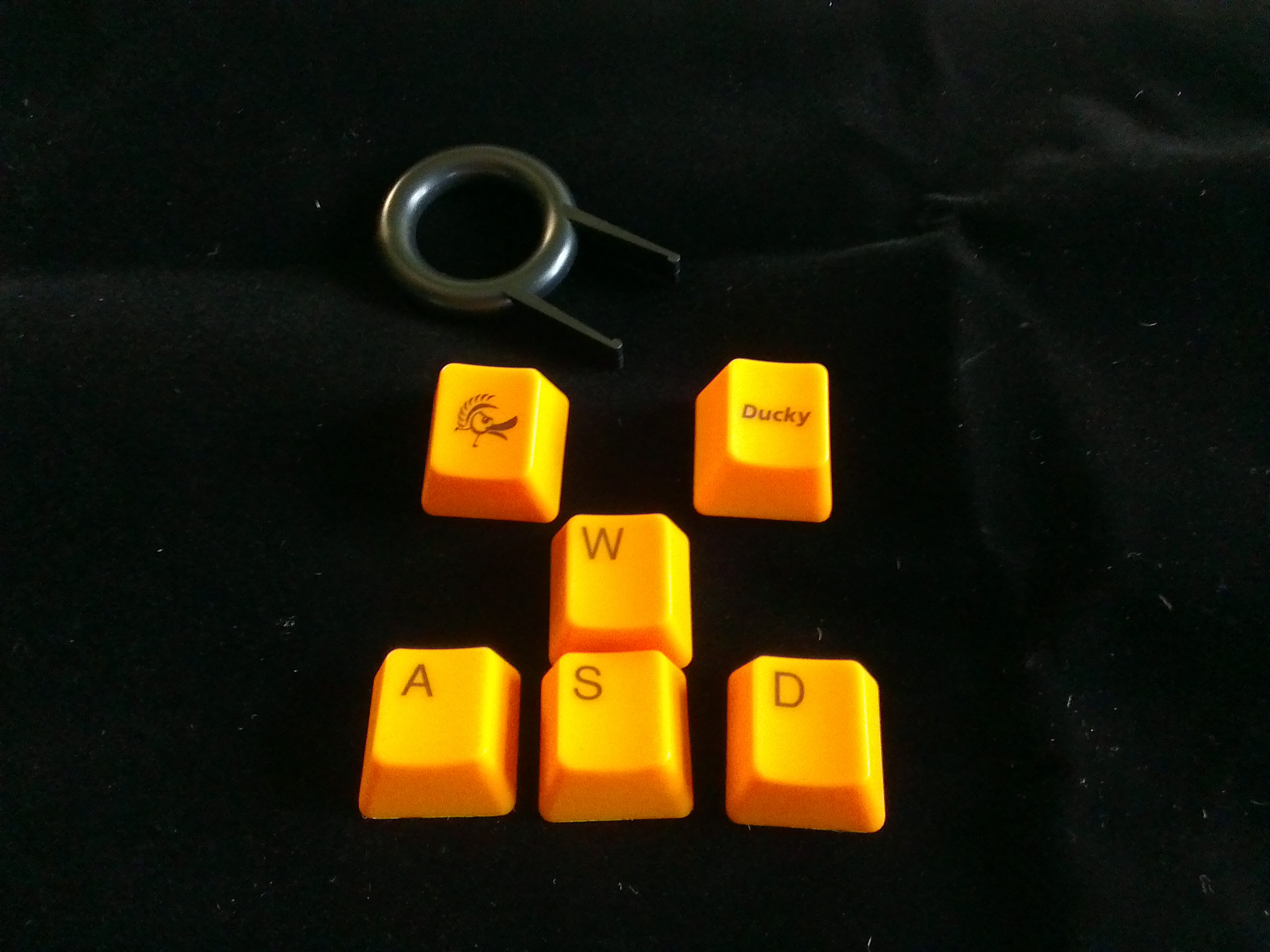
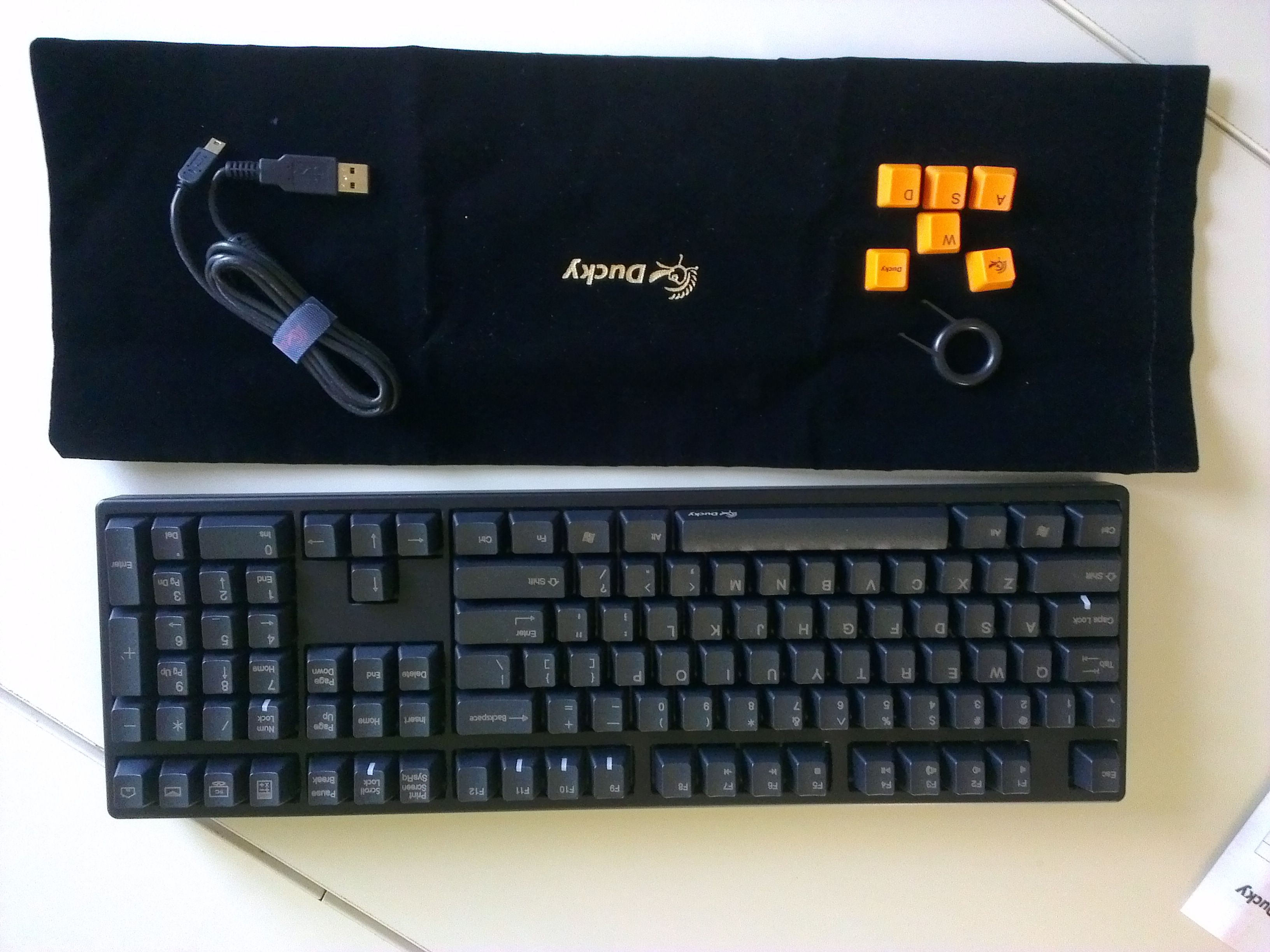
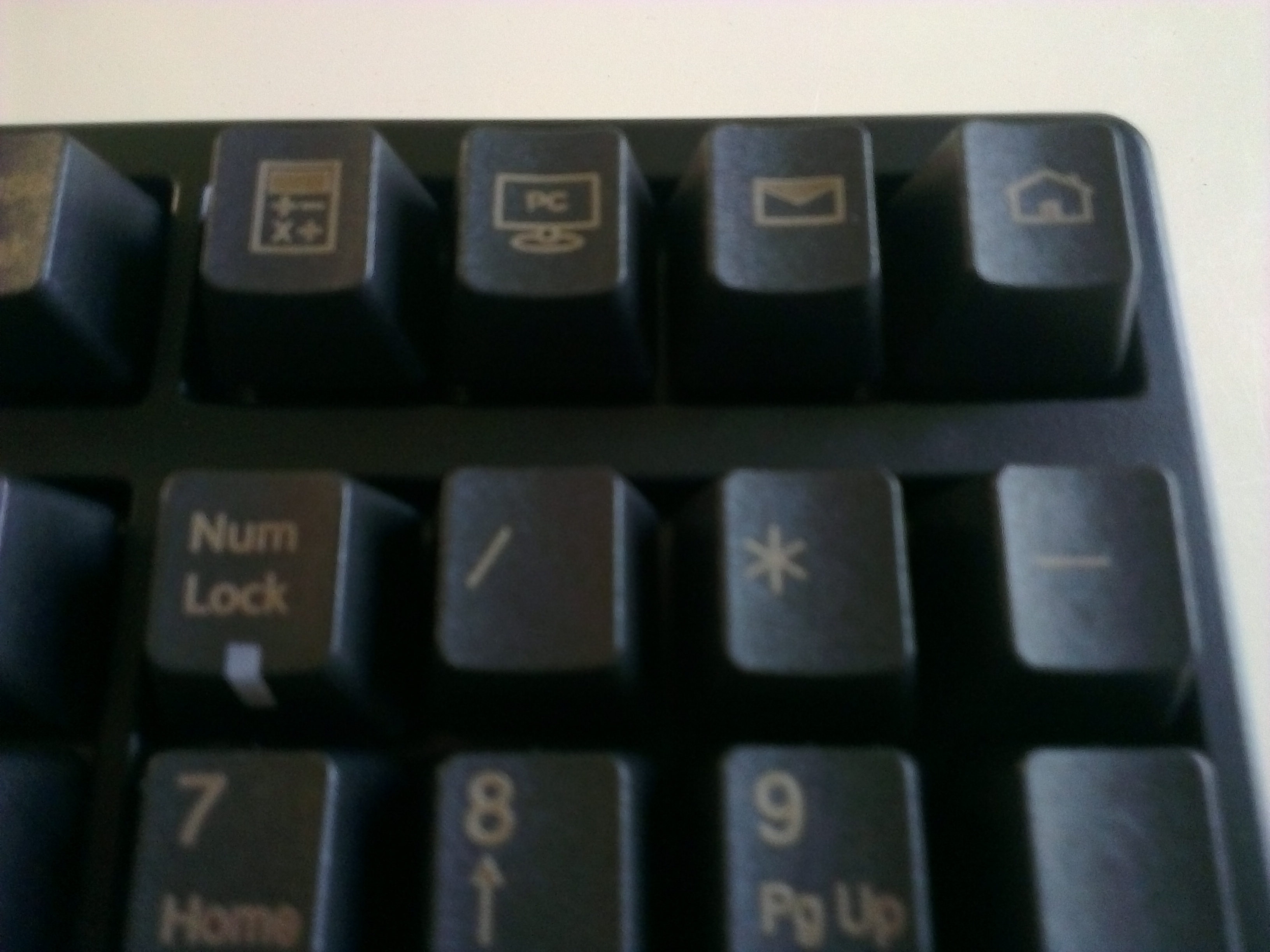
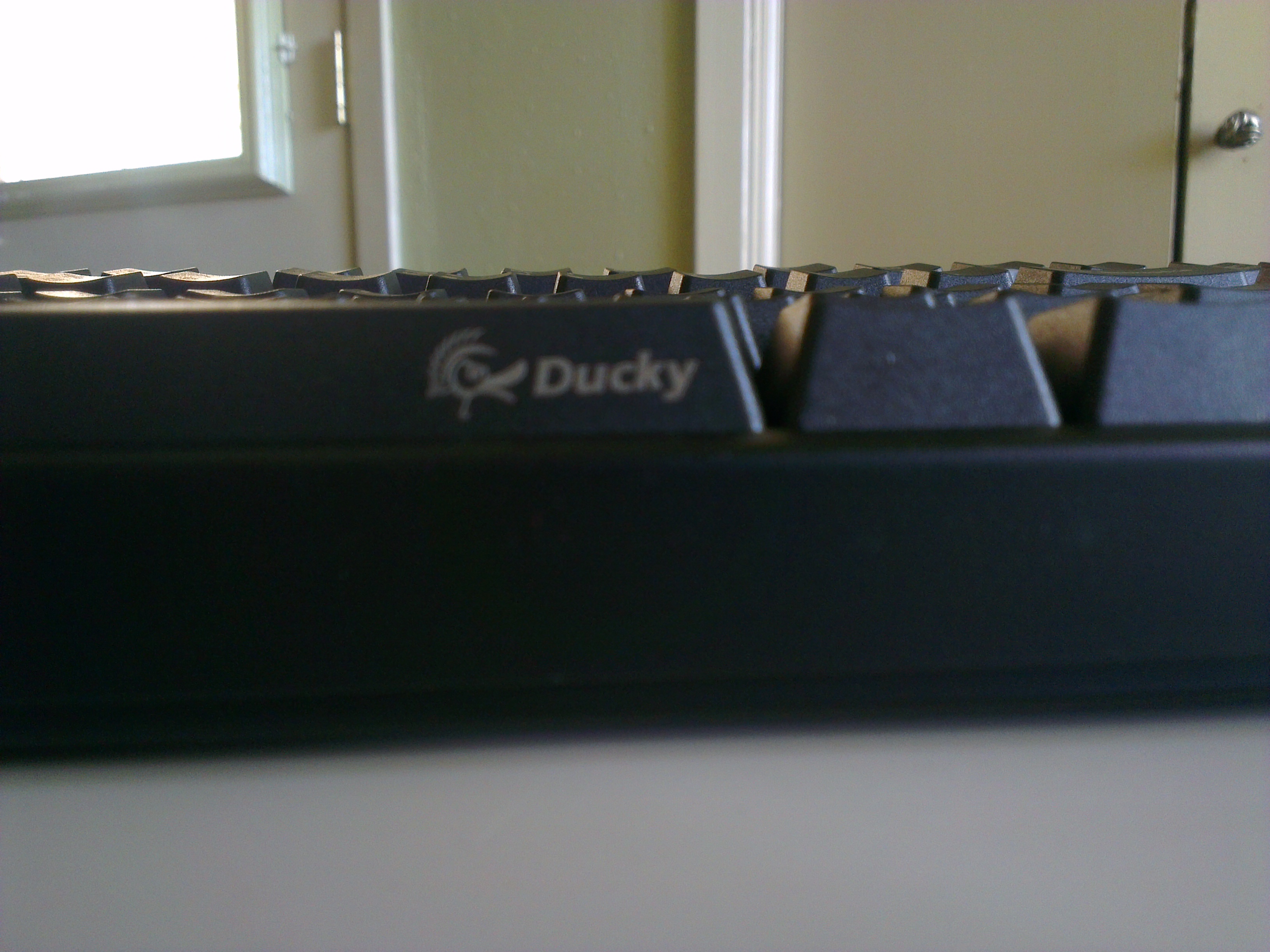
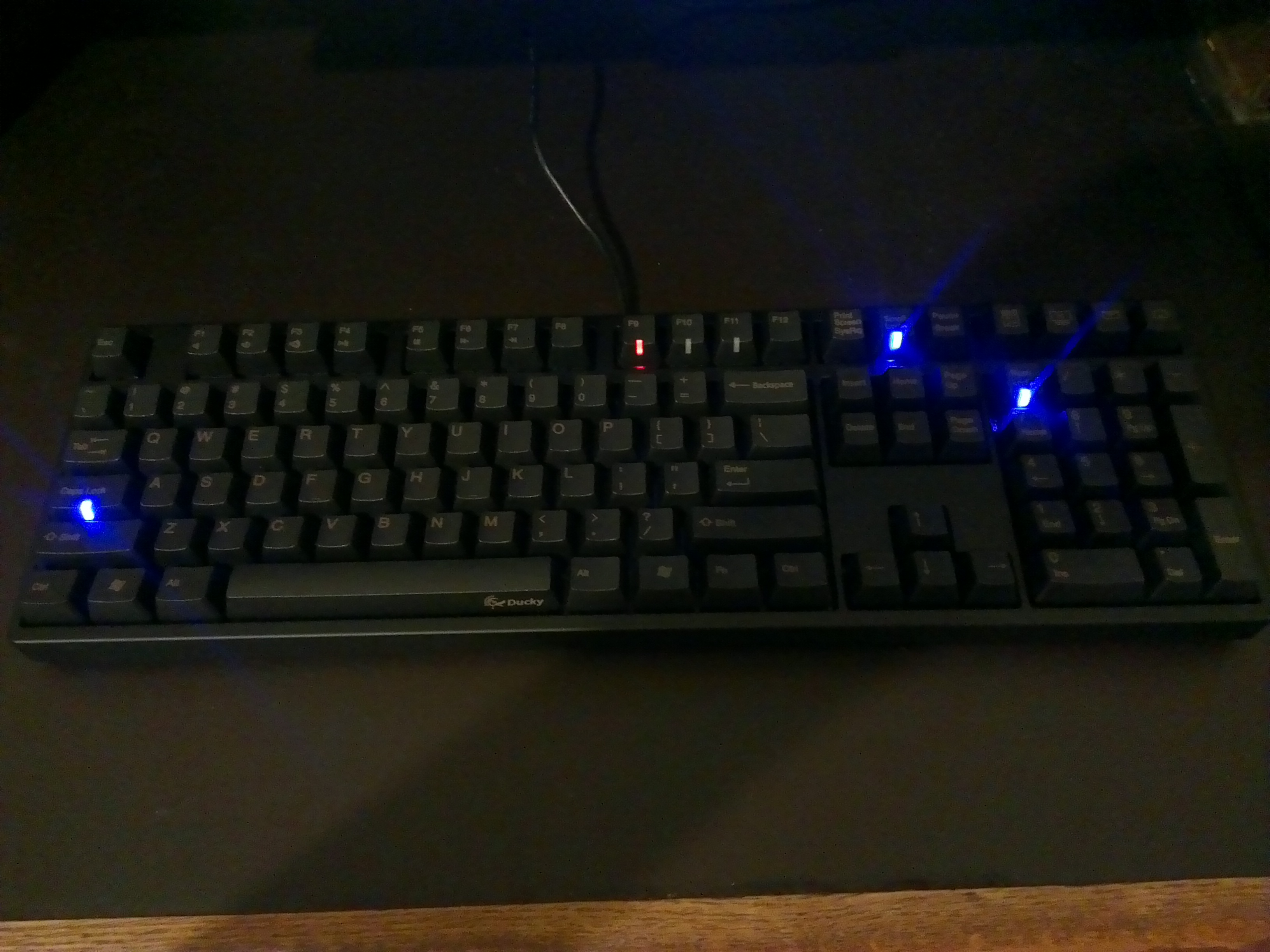
    I ultimately decided on the <<Ducky DK9008G2-A PBT>>(Ducky Website). And to really deliver on the durable key front, I went with the PBT over the traditional ABS as it is supposed to last much longer and the letters are laser etched into the plastic. While they decided to replace the ‘context menu’ button with their function button, <Shift + F10> works just as well. It requires no software other than the drivers that automatically installed when plugging it in to enable the media playback and shortcut functions.

    …I have actually lived with the Ducky for a while now as this post sat unpublished for a time… 

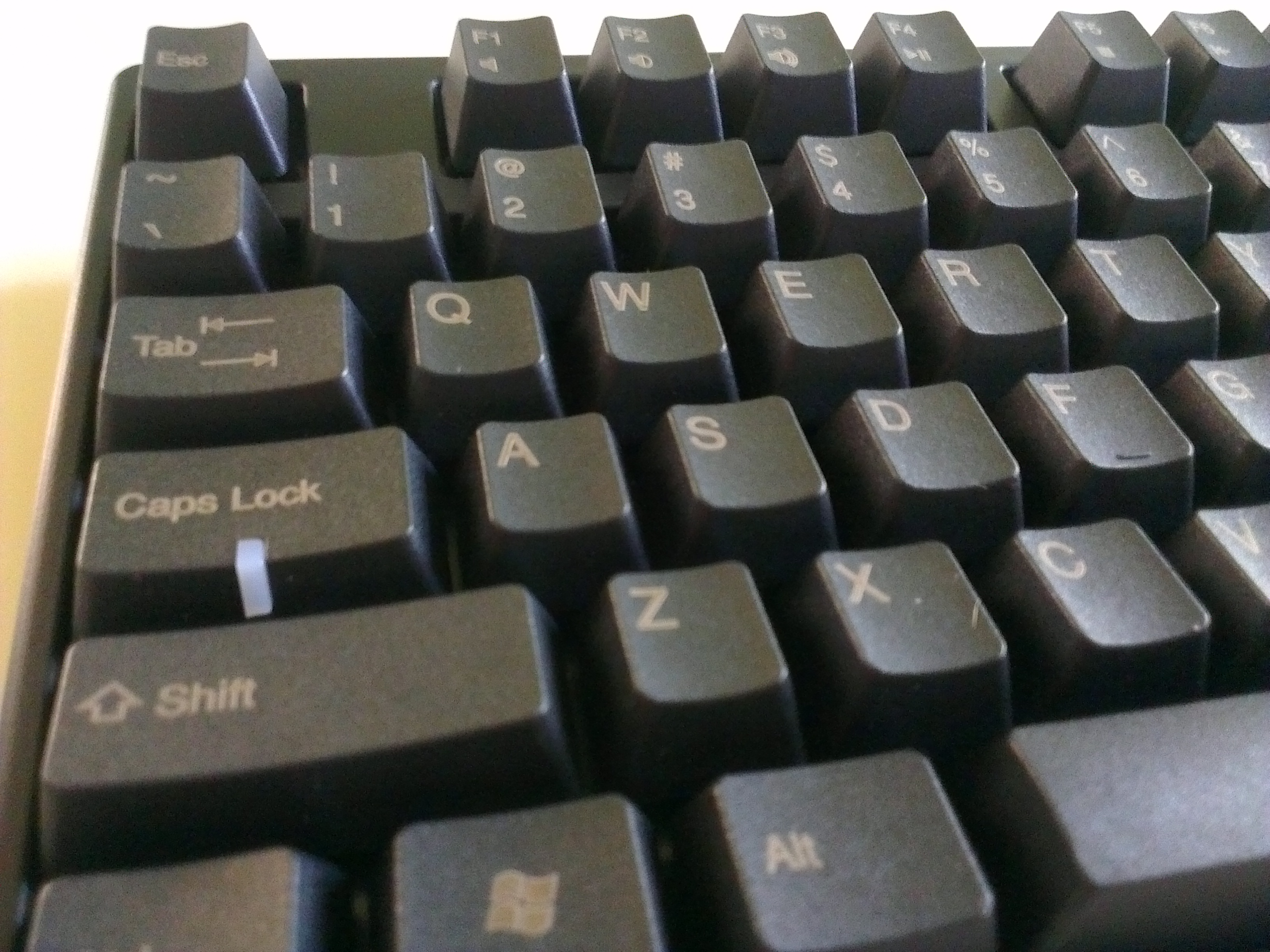
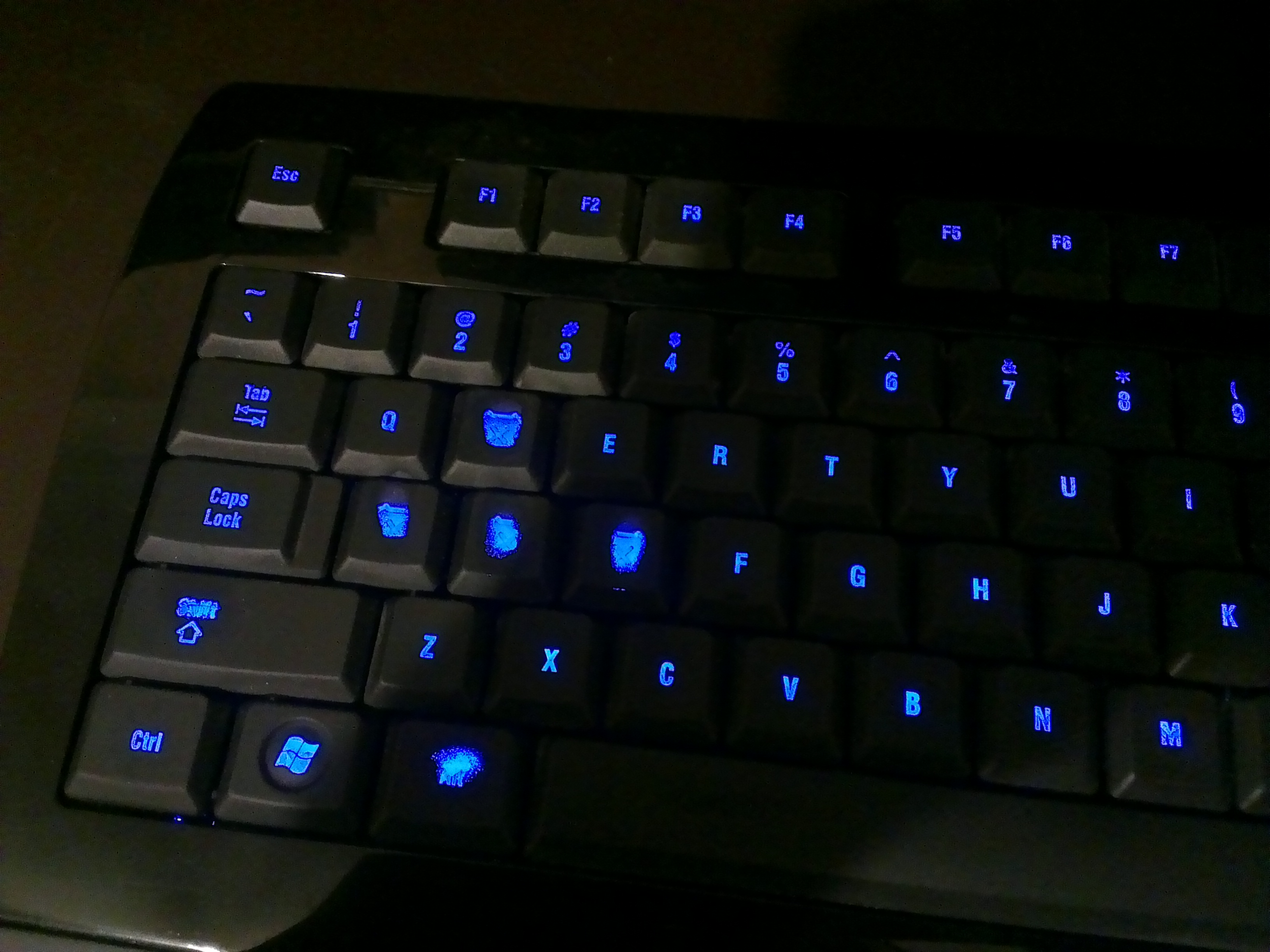
    I can say I love this keyboard. Rather than the Swiss Army Knife that most gaming boards tend to be, this is a samurai sword that is designed to do one thing and do it better than anything else. I find my hands are much less fatigued after lengthy gaming sessions and I dare say my Tribes game has improved slightly. While it has a modicum of extra features in the media controls and shortcut buttons, they do not get in the way and are not pivotal to the function of it. About he only thing I could possibly complain about, and this is a stretch, is that the laser etched PBT keys are a touch harder to read in low light and at certain angles. This problem is slightly exaggerated by my particular setup. My monitor sits on a custom riser that brings it far away from the board so there is little ambient light illuminating the board if  find myself forgetting to turn the light on. Again, this would probably be a complete non issue for normal people that don’t fear the light.

    I whole heartedly recommend the Ducky DK9800G2, and any Ducky for that matter. My only warning is to try and find a way to try out the different switches and come to a conclusion on which one is for you. In case you missed it I will forward you to the OC thread again to learn about them.

    And If you are wondering where I got mine, as they can be hard to find here in North America depending on current supply, I got mine from Tiger Imports. Price is what it is on theses things, but they shipped quick and kept me notified on order status well. Despite there being other sources for Ducky’s, Tiger Imports was the only one that I found to carry this particular model which suited my needs perfectly.


  • GTX 470…getting with the times

    image

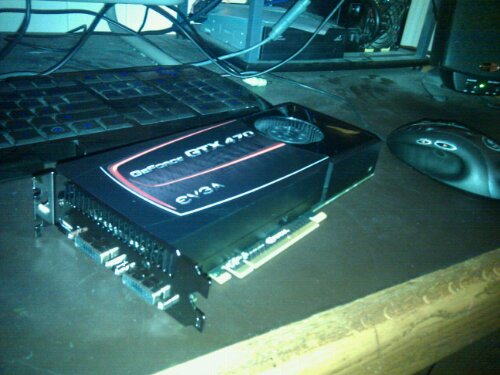
    My only Black Friday purchase was picking up one of these from NewEgg for less than a 1GB GTX 460. Got it installed in my i7 rig and it is blowing away my entire collection. I also picked up a cache of games from Steam for a steal including Metro 2033 and Dirt2. Haven’t download them yet, but will post results when done.

    Now to fix familial internets…my cousin’s net is down.

  • Money for nothin’…Micro-Transactions come to WoW

    As you may or may not be aware of, Blizzard, the creators of World of Warcraft, have recently made available an in-game mount in the form of the Celestial Steed for the real world price of $25. This practice of charging real money for benefit in a virtual sense has become known as a “micro transaction”. Although $25 may not seem that micro to most people, it is in reference to the significance of the purchase not the actual dollar amount. There are many games/virtual worlds that rely entirely on micro-transactions for income. World of Warcraft, on the other hand, uses a subscription model and the purchase of game licenses. The idea of a micro-transaction like system implemented in WoW is one of the biggest fears of hardcore WoW players and many would rather see the game go away than see it succumb to the financial allure of the micro-transaction. While Blizzard has had a few purchasable pets and a few very rare items as bonuses in the trading card game, this purchasable mount is the closest Blizzard has ever come to a micro-transaction system. And the WoW community is all abuzz about it.

    While I do not want WoW to become strictly dependent on micro-transactions, I think that a little is a good thing. The only guideline that Blizzard needs to follow is thus: Items purchased for real money can never allow a player to be more successful/powerful in-game. And the Celestial Steed fits this guideline perfectly. It is only as good as the best mount you have. It is really more of a “skin” for your mounts than anything. It is also available on all current and future characters on your account. Many of the WoW and game related podcasts and blogs that I consume have expressed a strong fear or out right hate for the idea of paying good money for in-game items as it is but a stones throw away from breaching the aforementioned guideline. In this particular case, a lot of the criticism is unfounded. I think that this item skirts the boundary so closely that the trigger happy out there are merely firing a verbal shot across Blizzard’s proverbial bow to keep them from going into the forbidden waters that is power for money. I understand their fear and hope that Blizzard is smart enough (read: not stupid enough to piss off their most loyal players, many of which own multiple accounts) and take that final controversial step into the micro-transaction world. As long as virtual items purchased for real world money remain strictly superficial, all should be well.

    And on a more personal note…I am a sucker for mounts and hit the Blizzard store as soon as I could to buy me one of those winged equines.